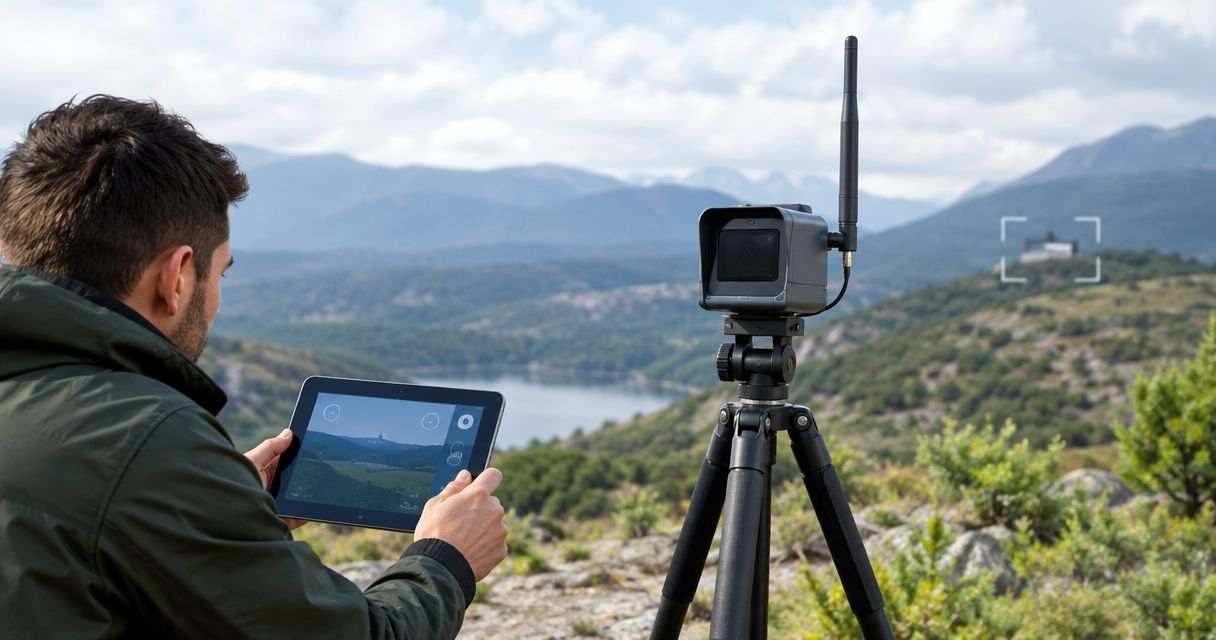
An external antenna can extend a target camera’s usable wireless range, but it does not automatically double it. The result depends on the antenna, the complete radio link, and the terrain between the camera and your shooting position. For a 2026 purchase, treat improved signal strength and a doubled operating distance as different claims—and require evidence for the distance you need.
- Can an external antenna double target camera range? Sometimes, but improved signal strength alone does not establish doubled distance.
- Longshotcameras’ External Antenna lists improved signal strength, not a guaranteed doubling of target camera range.
- The LR-3 - 2 Mile lists a 2-mile guarantee; an accessory does not automatically extend that specification.
- Check compatibility, placement, and a stable target image before treating an antenna upgrade as successful.
Why this matters
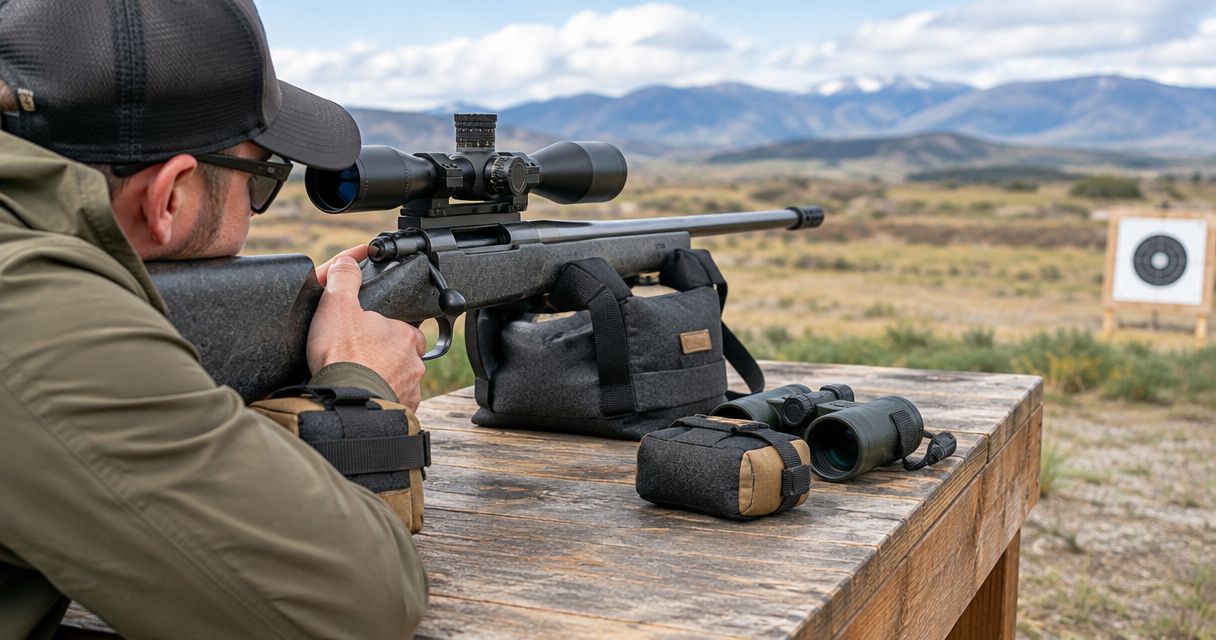
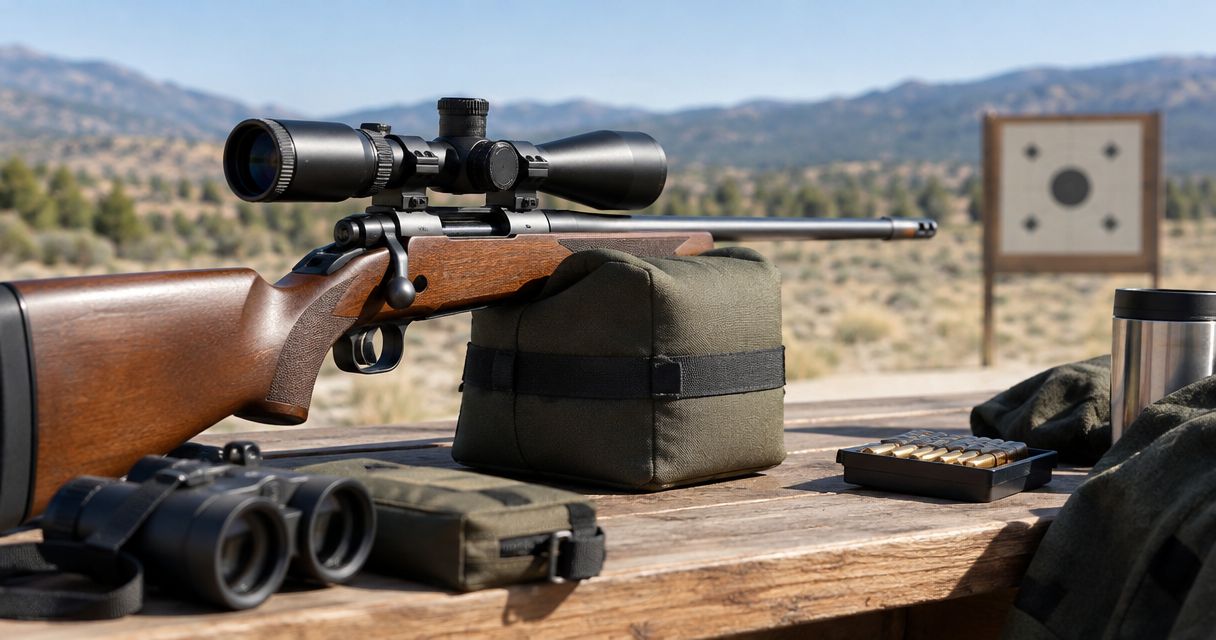
A camera that connects at the bench but loses its image at the target does not solve your spotting problem. You need a usable picture at your actual shooting position, not just a stronger signal indication during setup.
Start by separating the camera’s viewing distance from its wireless operating distance. The guide to how far a target camera can see downrange addresses that distinction. An antenna works on the communication link; it does not increase the camera’s optical detail or make a poorly framed target easier to inspect.
Buy for the distance and image you need, not for an assumed multiplier. That rule applies whether you are correcting an unreliable connection or choosing a system for a more distant target.
Can an external antenna double target camera range?
Yes, an external antenna can help a particular installation reach twice its previous usable distance, but that outcome requires testing; it is not an automatic property of external antennas. A weak installation and a well-positioned installation of the same system can have different usable limits.
The product distinction matters. Longshotcameras’ External Antenna description states that it improves signal strength, while the LR-3 - 2 Mile description lists a 2-mile guarantee. Those statements describe different things: an accessory’s purpose and a camera system’s stated operating distance.
| Option | Best for | Supported benefit | Limitation |
|---|---|---|---|
| Reposition the existing system | Diagnosing a placement problem | Changes the radio path without adding an accessory | Does not change the equipment’s stated range |
| External Antenna | Owners seeking signal improvement after compatibility confirmation | Product description lists improved signal strength | Does not state a doubled-distance guarantee |
| LR-3 - 2 Mile | Buyers whose required distance matches its stated range | Product description lists a 2-mile guarantee and 2688 × 1512 imagery | A stated distance does not eliminate installation checks |
Do not treat these options as interchangeable. Repositioning addresses the site, an antenna addresses part of the link, and a different camera system changes the equipment you are using.
External Antenna: signal improvement, not a distance multiplier
The External Antenna’s stated benefit is improved signal strength. Its description does not establish that every connected camera will operate at twice its previous distance, and it does not establish universal compatibility across camera models.
Longshotcameras’ External Antenna is best for target camera owners seeking signal improvement after confirming compatibility. That is a narrower, more useful recommendation than promising extra distance without knowing the installation.
Before buying, identify your exact camera model and ask which components the antenna connects to. Confirm whether the installation requires specific mounting hardware, cabling, configuration, or programming. Do not assume that matching a connector is enough to establish that an antenna suits the radio system.
For your 2026 equipment checklist, write down the result you want: a stable image at a named target position. “Stronger signal” is a component-level benefit; “usable image at my target” is the outcome that determines whether the purchase solved your problem.
LR-3 - 2 Mile: choose the stated range before chasing extensions
The LR-3 - 2 Mile lists a 2-mile guarantee and 2688 × 1512 imagery in its product description. Those are separate specifications: one concerns operating distance, while the other describes image dimensions.
If you are buying a system rather than repairing an existing setup, start with the required distance. The LR-3 - 2 Mile is the relevant option here for buyers seeking a camera with a stated 2-mile range. Its specification is a stronger purchase basis than assuming an antenna will transform a shorter-range system.
The limitation is equally important: the listed range does not tell you where to place every component on your particular range. You still need to follow the installation instructions and verify the live image at your shooting position.
These products serve different decisions. Choose the antenna only after checking the existing system and its compatibility; consider the camera when selecting equipment around a stated distance requirement.


Why target camera range varies
Wireless range depends on the complete path, not just the antenna attached to one component. These factors explain why an accessory can improve one installation without producing the same distance gain elsewhere:
- Clear path: Terrain and structures can obstruct the radio path. A visible target does not by itself prove that the wireless path has adequate clearance.
- Antenna placement: Height and position affect the path between the radio endpoints. Follow the equipment instructions rather than assuming higher is always better.
- Antenna orientation: Antenna patterns and polarization affect how energy is transmitted and received. Use the specified orientation before judging performance.
- Cable losses: RF cable and connections introduce loss. An antenna’s gain does not describe the net result after the rest of the installation is included.
- Radio compatibility: Frequency, antenna characteristics, and supported connections must suit the system. A physically attachable accessory is not automatically an appropriate upgrade.
- Interference: Other radio activity can affect reception. A successful test at one site does not establish identical operation at another.
These are established radio-link principles, not measured gains for this accessory. None supplies a universal doubling rule.
How to check whether an antenna actually extends your range
Use a repeatable comparison rather than judging the upgrade from a single successful connection. Your 2026 range check should distinguish a better installation from a genuinely longer usable link.
Establish baseline
Record the camera model, component positions, antenna orientation, and target location before changing anything. Check that the system works at a shorter distance using the manufacturer’s normal setup procedure.
Define success before testing. For a target camera, that means a stable image with enough detail to inspect the intended target—not merely a device appearing in a connection list.
Check placement
Inspect the path between the system’s radio endpoints and follow the manufacturer’s placement instructions. Correct obvious obstructions or setup errors before adding hardware.
Keep the camera framed on the same target when comparing placements. Otherwise, a better-looking picture can be mistaken for a stronger connection when the real change was camera angle or framing.
Confirm compatibility
Get confirmation for the exact camera and antenna combination. Ask which supplied or approved components belong in the installation and whether any configuration is required.
Use Longshotcameras’ contact page for product-specific questions. Give the camera model, intended distance, and a description of the terrain so the question concerns your installation rather than antennas in general.
Repeat test
Install the accessory as instructed and repeat the baseline check with the other conditions unchanged. Compare the live target image, connection continuity, and behavior after reconnecting.
Only then assess a farther location that the equipment instructions and range rules permit. Keep a written record of where the system works reliably; do not convert one successful connection into a universal range specification.

Install, move, and retrieve downrange equipment only when the range is declared safe and its procedures permit access. A remote picture does not replace a cease-fire, range commands, or confirmation that the downrange area is clear.
How should you judge a doubled-range claim?
A credible claim needs a defined starting point and an equivalent finishing point. Ask what “range” meant in the original test: initial connection, intermittent video, or a continuously usable target image.
The comparison also needs the same camera system and comparable operating conditions. If the baseline had an obstructed antenna and the upgraded setup used a clear position, the result combines an accessory change with a placement change.
Ask these questions before treating a 2026 accessory claim as evidence for your purchase:
- Was the baseline installation set up according to its instructions?
- Was the same standard of usable video applied before and after?
- Were the terrain, component positions, and antenna orientation documented?
- Were cable changes or other accessories included in the result?
- Does the claim apply to your exact camera model?
A measured improvement belongs to the tested setup; it does not automatically become a specification for every setup. Keep that distinction when comparing product descriptions, demonstrations, and customer reports.
What if the connection improves but the target stays unclear?
A better wireless link does not correct every image problem. Check whether the picture is freezing or disconnecting, or whether it remains continuous but lacks the detail you need.
Freezing and disconnection call for a connection check. A continuous but unhelpful image calls for inspection of framing, focus where adjustable, lighting, and the target itself. Follow the camera instructions rather than changing radio components to solve an optical problem.
This distinction prevents an unnecessary accessory purchase. Describe the symptom precisely when seeking help: “the image disconnects” and “the holes are difficult to distinguish” are different problems, even when both stop you from spotting impacts.
Does a stronger signal mean better camera resolution?
A stronger signal does not increase the camera’s specified resolution. The LR-3 - 2 Mile lists 2688 × 1512 imagery; an external antenna does not turn that into a different image specification.
Improved reception can help the communication link carry the camera’s image reliably. It does not add optical magnification, repair poor framing, or create target detail the camera did not capture.
Should you buy an antenna or a longer-range camera?
Buy an antenna to address a confirmed signal problem in a supported system; select a camera around the distance you need. Do not use an assumed doubling claim to bridge the gap between your requirement and a product’s stated range.
For a 2026 purchase, ask for compatibility confirmation before ordering the accessory. If you are choosing a new system, compare its stated operating distance first and its installation requirements second.
FAQ
Can an external antenna double my target camera’s range?
An external antenna can extend usable range, but doubling requires evidence from the particular setup. Improved signal strength alone does not establish twice the operating distance.
Does the External Antenna promise twice the distance?
The External Antenna description states that it improves signal strength, not that it doubles operating distance. Confirm the supported camera combination and intended installation before buying.
Will an external antenna work with any target camera?
Do not assume universal compatibility. Confirm the exact camera model, radio requirements, connections, and installation instructions before attaching an accessory.
Will a better antenna make bullet holes look sharper?
A better antenna does not increase the camera’s optical detail or specified resolution. Diagnose an interrupted connection separately from a continuous image that lacks useful target detail.
What range does the LR-3 - 2 Mile list?
The LR-3 - 2 Mile lists a 2-mile guarantee in its product description. It also lists 2688 × 1512 imagery; the distance and image dimensions describe separate capabilities.
Should I move the camera before buying an antenna?
Check the existing installation against the manufacturer’s placement instructions before buying an antenna. Correcting a placement problem gives you a sound baseline for evaluating additional hardware.
How do I know whether an antenna upgrade worked?
An antenna upgrade worked if it delivers the usable connection you defined under a repeatable comparison. Judge the live target image and connection continuity, not just an initial connection or signal indicator.
One last thing
Test at the shooting position you will actually use. A connection checked beside the camera proves that the system connects there, not that the complete downrange link works.
Before your next session, frame the target, establish the permitted downrange setup, and verify the image from the bench. That final check is more useful than a theoretical range multiplier because it answers the question that matters: can you inspect your target from where you will be shooting?