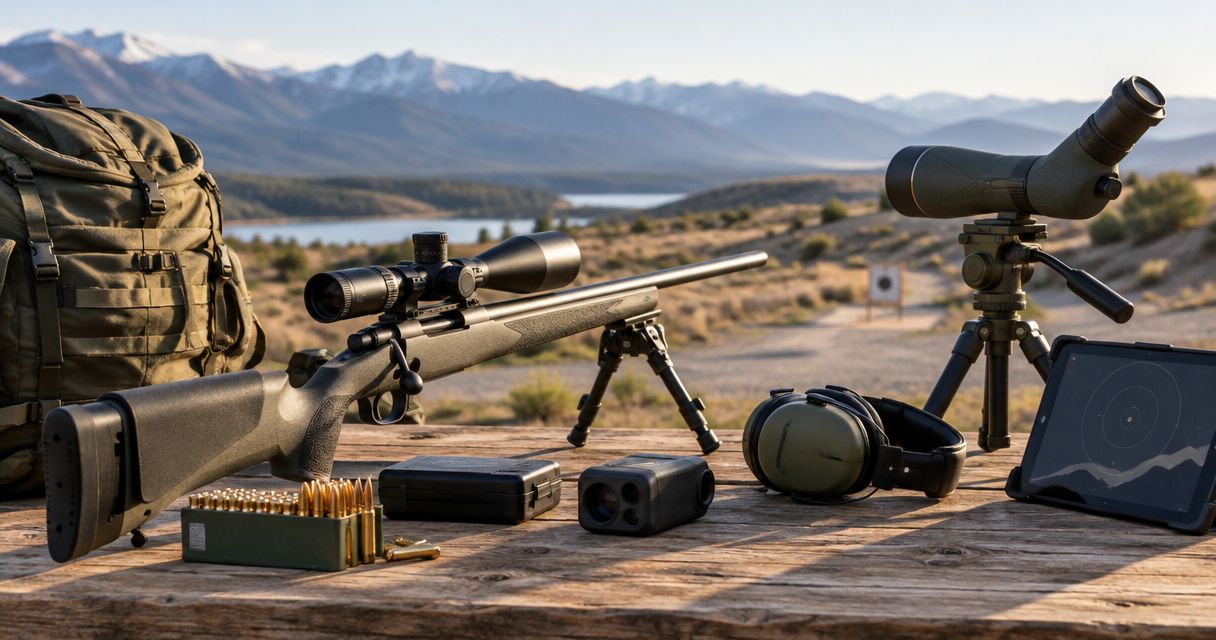
Yes, you can watch a live target-camera feed on a compatible viewing device, but broadcasting that feed online requires a supported way to capture the video and an internet connection. A live view at the shooting bench is not automatically a public livestream. For a 2026 setup, confirm the camera-to-device connection, the capture method, and the internet upload path before planning a broadcast.
- Can you livestream from a target camera? Yes locally; online broadcasting requires a compatible capture method and internet connection.
- Longshotcameras target cameras suit precision shooters who want to view shot impacts remotely, not automatically broadcast them online.
- Test the local camera feed and internet upload together before relying on a public livestream.
- Choose local viewing for spotting; add broadcasting equipment only when off-site viewers need the feed.
Why this matters
A camera image reaching your tablet proves that local viewing works. It does not prove that a streaming application can access the image or send it to viewers elsewhere. Treat those as separate jobs.
Longshotcameras target cameras are best for precision shooters who want to see shot impacts without walking downrange. The Longshotcameras range includes target cameras and accessories marketed for remote viewing at distances up to 2 miles; that distance describes the shooting use case, not internet broadcast coverage.
Decide who needs to see the target before choosing a workflow. If everyone is at the firing line, an online broadcast adds steps without solving the basic spotting problem. If an instructor or audience is elsewhere, you need a complete route from the target image to that audience.
Can you livestream from a target camera?
Yes for supported local live viewing; online livestreaming depends on the camera's output, your capture method, and internet access. The distinction is the same in 2026 whether you are spotting practice shots or sharing a range session remotely.
| Viewing method | Best for | Main advantage | Main limitation |
|---|---|---|---|
| Local live view | Shooters checking impacts at the bench | Shows the target without requiring a public broadcast | Does not itself deliver video to off-site viewers |
| Online livestream | An audience watching away from the range | Shares a compatible video source over the internet | Requires capture compatibility and an upload connection |
| Recorded footage | Reviewing or sharing a session afterward | Avoids dependence on a continuous live upload | Viewers cannot follow the session as it happens |
These are different workflows, not interchangeable camera features. Recording support does not establish livestreaming support, and a wireless connection does not establish internet access.
Start with the manufacturer's documentation for your exact camera and viewing application. Look for explicit instructions covering live viewing, recording, external video output, or screen sharing. Do not interpret an app preview as a promise that another application can capture it.
Local live viewing: best for checking impacts
Local viewing answers the practical range question: can you see the target from the firing line? Your camera sends an image to a supported viewing device, and you use that image to inspect impacts.
The advantage is a shorter workflow. You are not managing audience access, broadcast software, or an internet upload simply to see the target. The limitation is equally clear: someone outside that local connection does not automatically receive the picture.
Before shooting, confirm that the image updates rather than displaying an old frame. During an authorized setup period, make a visible change in the camera's field of view and check that your display follows it. Complete all downrange adjustments under the range's ceasefire procedures.
Choose local viewing when your goal is spotting, not publishing. Keep the camera's remote-viewing distance separate from the distance between an internet viewer and the range; they describe different connections.
Online broadcasting: best for off-site viewers
An online livestream needs a usable source image, a supported capture route, and an internet upload connection. A target camera supplies the subject image, but the remaining parts still need to work together.
Screen sharing or screen capture is a route to investigate when your device and application support it. An external video connection is another route only when the camera explicitly provides a compatible output. Do not assume that a charging port carries video.
The benefit is access for people who are not at the range. The drawback is additional setup: permissions, network routing, audio choices, audience settings, and stream monitoring all become part of the session.
For a 2026 broadcast plan, write down the exact capture route before assembling equipment. If you cannot identify how the target image enters the broadcasting application, you have not yet established a working livestream workflow.
Recorded footage: best for reviewing later
Recording and livestreaming solve different problems. A recording preserves supported footage for later viewing; a livestream sends an image to an audience during the session.
Choose recording when immediate audience access is unnecessary. Its advantage is that you can review what was captured before sharing it. Its limitation is that it cannot provide live feedback from an off-site observer.
Check the camera or application's recording instructions rather than assuming that every live preview includes a recording function. Also confirm how you retrieve the file and whether the saved footage contains the target detail you need. A useful live display does not, by itself, establish the format or quality of an exported recording.
How do you set up a target-camera livestream?
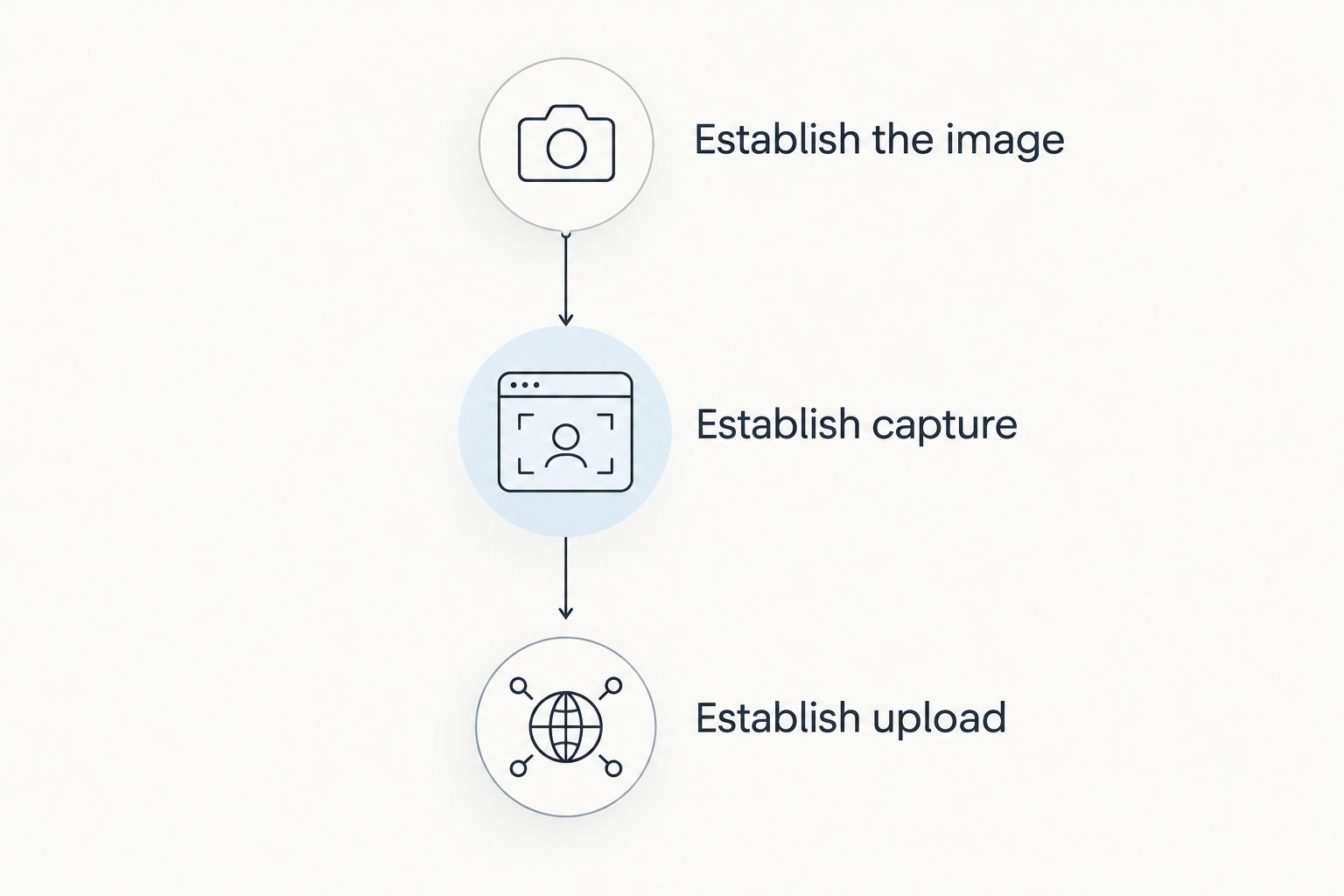
Build the workflow in 3 stages: establish the local image, establish capture, then establish the audience connection. Testing in that order makes a failure easier to locate.
Establish the image
- Position safely. Obtain range approval and place the camera only during an authorized setup period. Keep equipment placement consistent with the range's rules and the camera manufacturer's instructions.
- Connect locally. Follow the instructions for your camera and viewing application. For the relevant connection workflow, see how to connect a Longshot camera to the Longshot app.
- Confirm updates. Check focus, target framing, and image refresh before adding broadcasting software. Resolve the local feed first.
Establish capture
- Select the source. Use an explicitly supported screen-sharing, capture, or video-output method. Verify that the broadcast preview shows the target rather than a blank screen or unrelated application.
- Check exposure. Review what else is visible, including notifications, account details, and neighboring shooting positions. Share only material you have permission to publish.
Establish upload
- Connect the audience. Confirm that the broadcasting device has internet access while the target feed remains connected. Run a restricted test before opening the stream to your intended viewers.
- Verify remotely. Watch the test from a separate viewer device. Check the actual audience feed, not just the broadcaster's preview.
A separate viewer device serves a different purpose from the broadcasting device: it verifies delivery. Use those 2 devices to check both ends of the workflow rather than trusting a preview that only confirms the source image is present.
Why target-camera livestreaming varies
The same camera image can succeed locally and fail during broadcasting. Diagnose the connection that fails instead of treating every problem as a camera-range issue.
- Camera output: A local app image is not evidence of an external video output. Confirm the documented methods available on the exact model.
- Capture permissions: Your device must allow the selected application or screen to be shared. Check what the broadcast preview actually receives.
- Network routing: A local camera network and internet access serve different purposes. Verify that your intended combination stays connected during capture.
- Upload connection: Online viewers depend on the broadcasting device's internet upload, not merely the camera's connection to its viewer.
- Image framing: A visible target is not necessarily a readable target. Test whether viewers can distinguish the impacts you want to discuss.
- Power planning: The camera, viewing device, and broadcasting equipment each need power for their assigned task. Check their documented requirements separately.
Avoid choosing a setup from a single headline specification. The stated reach of up to 2 miles for Longshotcameras remote target viewing does not specify capture compatibility, broadcast delay, or internet upload performance.
What should you check before broadcasting in 2026?
Test the complete workflow from the actual firing position. A connection that works during a close-range setup check does not establish that the final placement and intended network arrangement work together.
First, keep the camera image open while starting your capture method. Then start the internet broadcast and confirm that the local feed remains visible. Finally, check the audience view from the separate device.
Use this short acceptance checklist:
- The target image continues updating during capture.
- The audience sees the intended target and no private screen content.
- The image contains enough detail for the session's purpose.
- The selected audio behavior matches your plan.
- Equipment placement and filming comply with range rules.
- A failed stream does not interfere with safe range procedures.
Do not walk downrange to troubleshoot while firing is permitted. Stop the broadcast if necessary and wait for the range's authorized access procedure. The recording or audience schedule never determines when equipment can be adjusted.
Does camera range tell you how far you can livestream?
Up to 2 miles describes the remote-viewing distance stated for Longshotcameras target cameras, not an internet broadcasting distance. An online audience depends on the upload connection and streaming service after the image reaches the broadcasting device.
Keep those specifications in separate columns when comparing equipment. Neither one proves the other.
Do you need separate devices to test a livestream?
2 devices let you check the broadcaster and the audience independently: one handles the source workflow, and another receives the stream. This is a testing recommendation, not a universal minimum hardware requirement.
A local preview confirms that an image exists. The audience device confirms that the broadcast delivers it.
FAQ
Can you livestream from a target camera without internet?
You can use supported local live viewing without broadcasting online, but an internet livestream requires internet access. Confirm the camera's connection requirements separately from the broadcasting device's upload connection.
Is a target-camera live feed the same as a public livestream?
No. A local live feed delivers an image to a supported viewing device; a public livestream also needs a capture route and an internet broadcast connection.
Can I share my target-camera app screen with someone remotely?
Screen sharing is an option only when your device and the viewing application support the selected capture method. Test the audience view before relying on it during a session.
Does a camera with a charging port support video output?
A charging port does not establish video-output support. Use the manufacturer's documentation to confirm whether the port provides a compatible video signal.
Will a livestream show shot impacts clearly?
A livestream is useful for spotting only when the delivered audience image shows the impacts clearly enough for your purpose. Check target framing and the received stream rather than judging only the local display.
What should I test before a target-camera broadcast in 2026?
Test the local image, the capture method, and the internet upload together from the intended setup. Verify the result on a separate audience device and confirm the range permits filming.
Should I livestream or record my range session?
Choose livestreaming when off-site viewers need to watch during the session; choose supported recording when later review is sufficient. Recording avoids the need for a continuous live upload but does not provide immediate audience access.
One last thing
A successful preview is not a successful broadcast. The most useful final check in 2026 is to watch the audience feed while the local target image remains connected. That checks the handoff most easily missed when you test the camera and internet separately.
Decide what failure looks like before shooting starts. If the audience loses the image, pause the broadcast rather than changing a working spotting setup during a live firing period. Keep the range workflow in control of the content workflow.