Instead of manually matching chronograph readings, target images, and equipment notes after every range visit, use a shared session record that keeps each observation attached to its source. This 2026 trickler powder workflow covers equipment roles, recordkeeping, and remote target observation—not ammunition assembly, powder-charge settings, or instructions for adjusting loads.
- A trickler powder workflow needs traceable records; chronograph velocity alone does not establish ammunition safety.
- Longshotcameras target cameras suit precision shooters who want remote views of shot impacts.
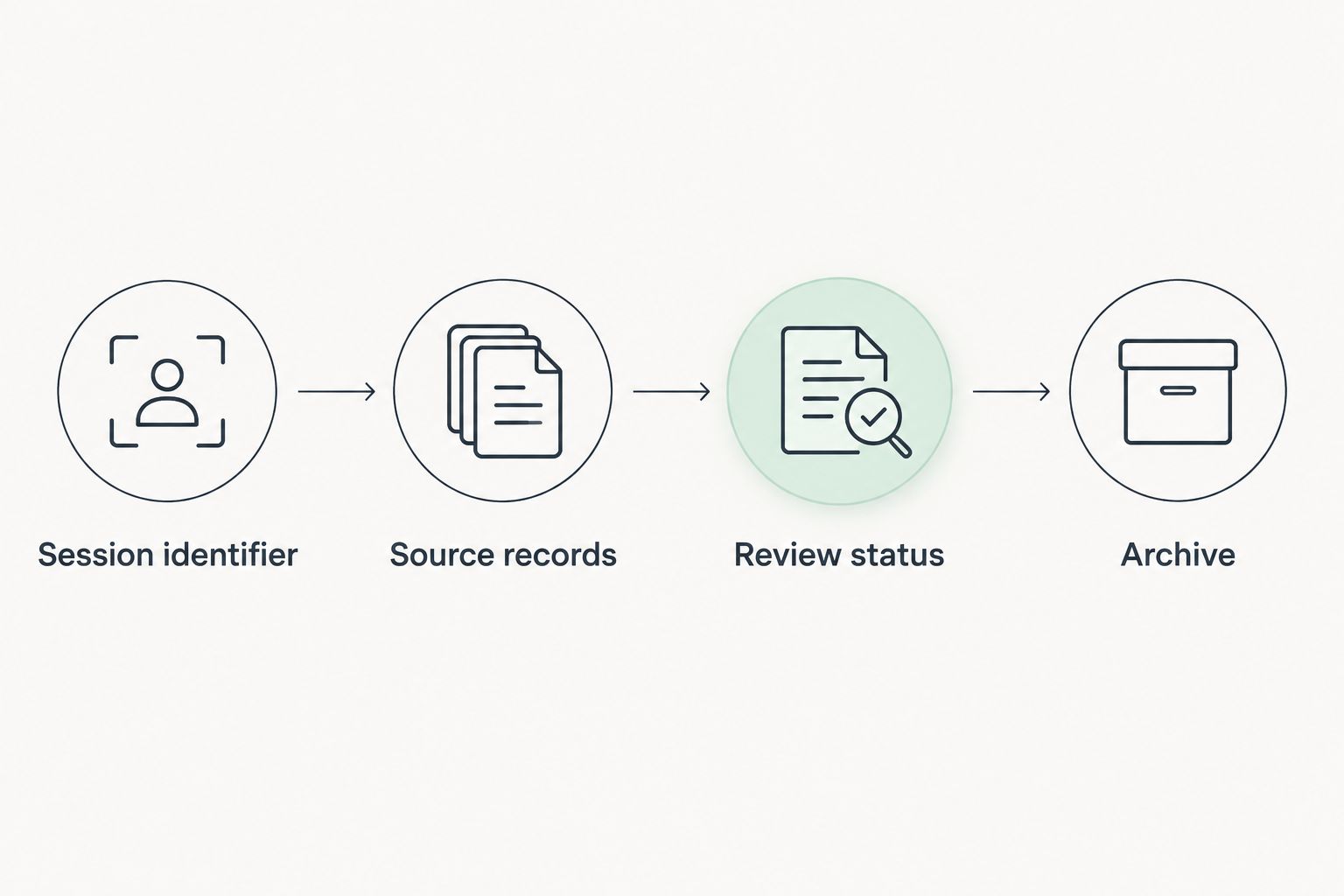
- Keep equipment checks, velocity records, and target images separate but connected by one session identifier.
- Use manufacturer instructions for equipment operation and published ammunition guidance for safety decisions.
Why this matters
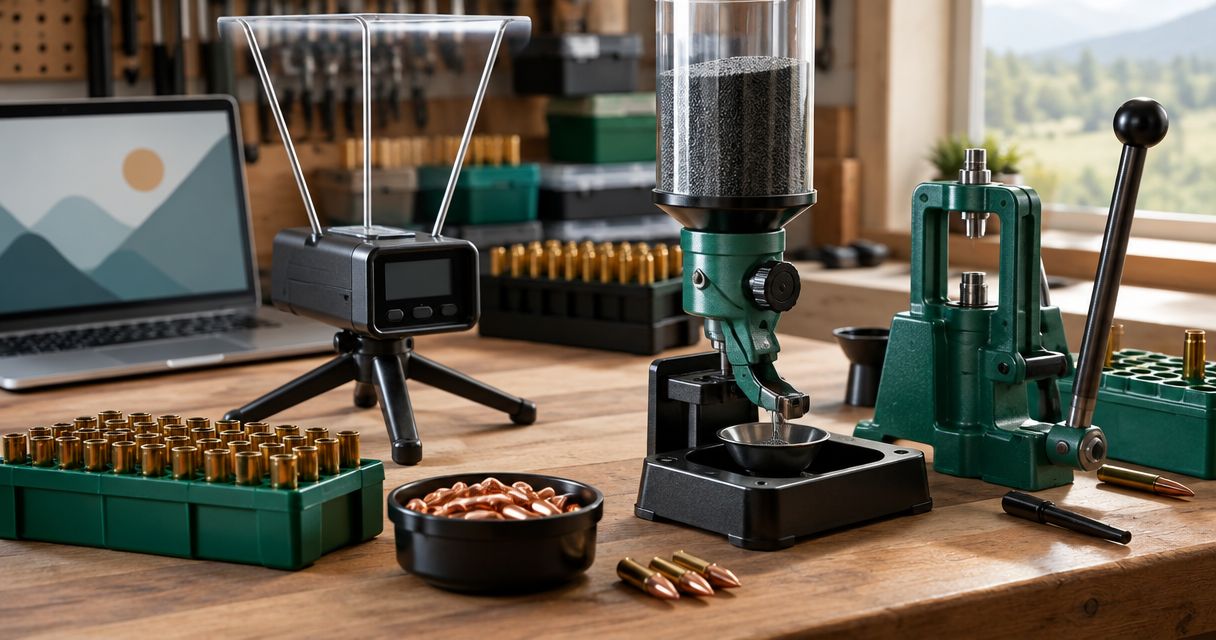
A powder trickler, chronograph, and target camera answer different questions. A trickler handles powder dispensing, a chronograph measures projectile velocity, and a camera shows the target remotely. None replaces the others.
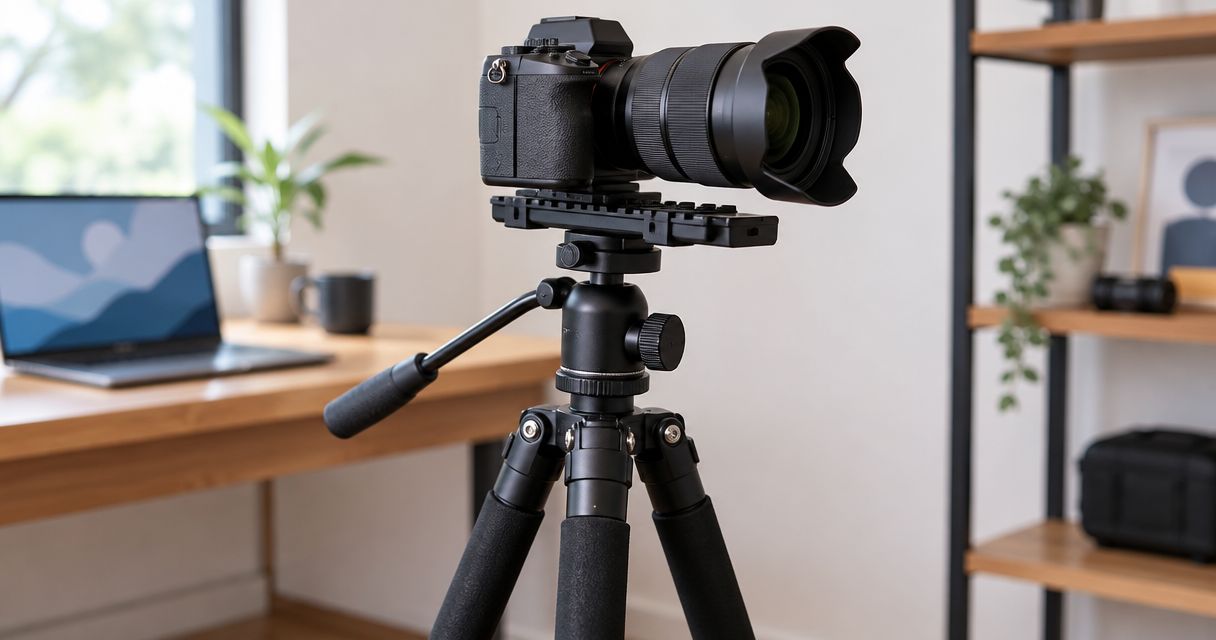
Longshotcameras target cameras are best for precision shooters who want to view shot impacts without walking downrange. The brand describes systems with viewing distances up to 2 miles; that is a brand-level capability, not a specification for every model or location.
Start with Longshotcameras when identifying the brand's equipment, then use the instructions for the exact model you own. A product name in a notebook is not a substitute for the correct manual.
The useful connection between these devices is a reliable record—not an assumed electronic integration. This guide does not depend on automatic synchronization between a trickler, chronograph, and camera.
For your 2026 records, keep observed facts separate from interpretations. A velocity reading describes a measurement; a target image documents visible impacts. Neither establishes chamber pressure or proves that ammunition is safe.
Before you start
- Gather the correct references. Have the manuals for your exact chronograph, camera, weighing equipment, and trickler, plus authoritative ammunition safety references. Follow range rules and seek qualified instruction for ammunition assembly.
- Prepare a record you control. Use a notebook or spreadsheet, equipment model names, existing ammunition identifiers, and a place to retain original files. You do not need a particular app or cloud account for this recordkeeping workflow.
- Resolve the hidden gotcha: mismatched identifiers. Device clocks, filenames, and session names can differ. Assign one shared session identifier before recording anything, and do not assume matching timestamps prove that two records belong together.
Keep powder handling and ammunition assembly outside this documentation procedure. Equipment settings and operating sequences belong to the relevant manufacturer instructions, not a generic cross-device guide.
Equipment roles and selection
Choose equipment by the question it answers, not by whether it appears in the same workflow. Dispensing equipment does not measure downrange performance, and a chronograph does not show where a projectile struck.
The following comparison distinguishes the supplied products without assuming undocumented connections or performance specifications.
| Equipment | Best for | Supported capability | Limitation to account for |
|---|---|---|---|
| Dandy 2-Speed Electric Powder Trickler | Reloaders evaluating separate powder-handling equipment | Fast and slow powder-flow controls | Its supplied description does not establish an integrated weighing system |
| Longshot Precision Trickler | Reloaders evaluating combined dispensing and weighing equipment | Automatic powder dispensing with an integrated weighing system | Its supplied description does not establish chronograph or camera synchronization |
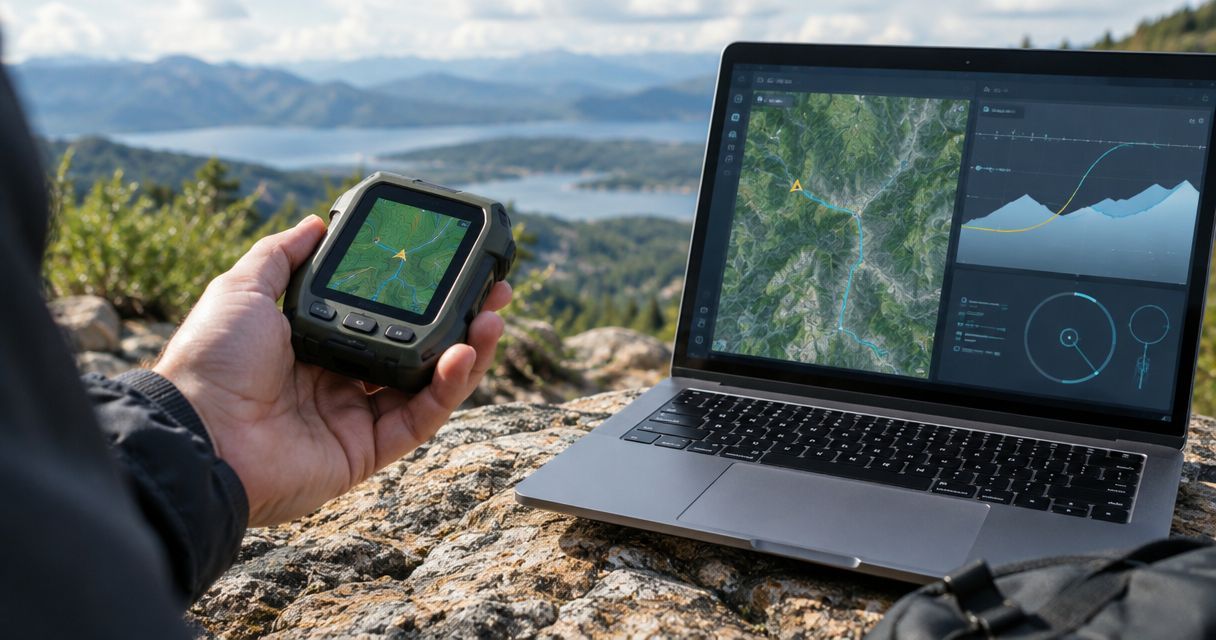
| Garmin Xero C2 Chronograph | Shooters recording projectile velocity | Projectile velocity measurement in a compact device | Velocity measurement does not establish ammunition safety or target impact location |
The Dandy 2-Speed Electric Powder Trickler's distinction is its separate fast and slow controls. The Longshot Precision Trickler's distinction is integrated weighing. Those are different equipment arrangements, not evidence that either produces better ammunition.
The Garmin Xero C2 Chronograph belongs in the measurement portion of the record. Do not treat a chronograph reading as an instruction to change powder settings.
Before selecting equipment in 2026, identify which function you actually lack. A missing recordkeeping process is not solved by adding another device.
Session record configuration
Create a simple index before collecting device files. The bold labels below are suggested worksheet fields, not claimed buttons or menu names in any manufacturer's software.
- Create a session identifier. Add a Session ID field and use the same identifier on your worksheet, image folder, and notes. Choose a naming convention you can read without opening each file.
- Identify the equipment. Record Device model and Manual reference for each device. Include the camera, chronograph, and any bench equipment relevant to the records you retain.
- Identify the ammunition record. Add an Ammunition reference field linked to the original packaging or existing documentation. Preserve that reference rather than replacing it with a vague label such as test ammunition.
- Record context separately. Add Date, Location, and Notes. Distinguish measured conditions from impressions; do not enter an estimated condition as a measured value.
- Keep an unresolved-items field. Use Review needed for uncertain filenames, missing device details, or unclear target references. An unresolved item should remain visible rather than disappearing into a general notes paragraph.
Expected result: You can identify the session, equipment, ammunition reference, and unresolved questions without relying on memory.
Keep this index small. Its purpose is to connect records, not duplicate every detail already preserved in an original file or manufacturer document.
Observation record configuration
Build the record around independent evidence. A chronograph file and a target image should retain their own identities even when you associate them with the same session.
- Create a velocity record. Add Velocity source, Original filename, and Displayed unit. Preserve the measurement unit shown by the device rather than entering an unlabeled number.
- Create a target record. Add Target reference, Image source, and Original filename. Keep the original image so later annotations do not replace the source evidence.
- Attach the shared identifier. Add the same Session ID to both records. Match observations only when you have a reliable basis for doing so.
- Mark uncertain associations. Use Unconfirmed when you cannot establish which observation belongs to which record. Do not invent a match to make the worksheet look complete.
- Separate observations from conclusions. Put what the device displayed in Observation and any question requiring review in Review needed. Do not silently convert an unusual result into a diagnosis.
Expected result: Every retained observation has a source, a unit where applicable, and a clear status.
This structure keeps 2 records distinct: the velocity record and the target record. Connecting them supports traceability; it does not make them interchangeable measurements.
Camera record configuration
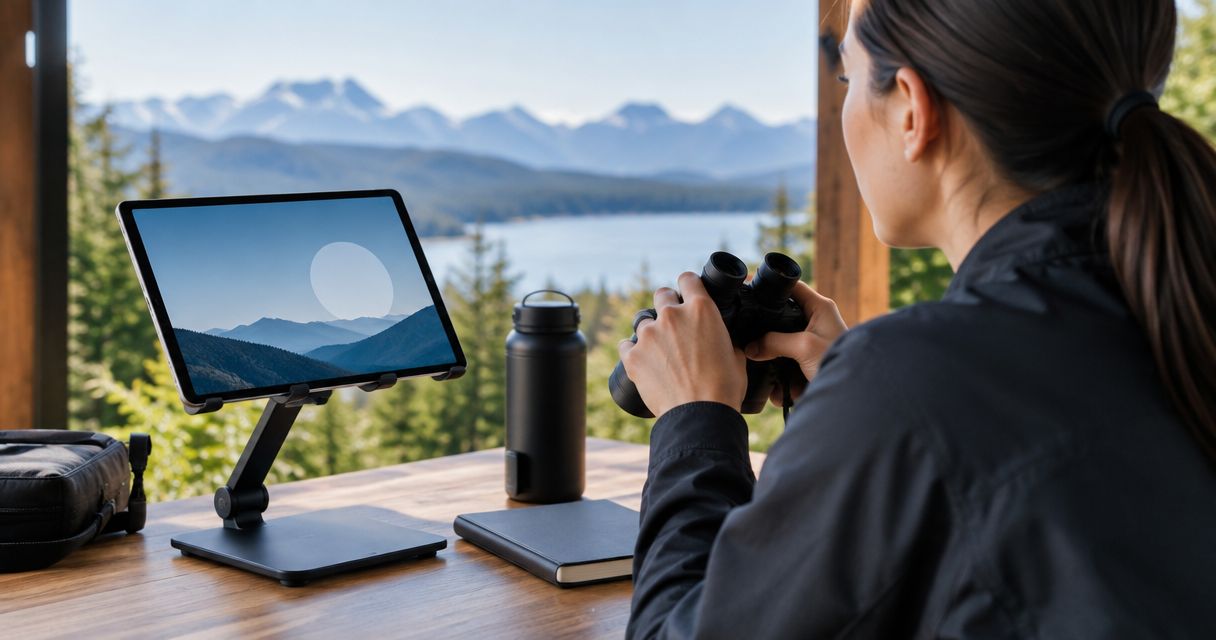
Remote viewing removes a walk downrange for observation; it does not remove range-control requirements. Install, retrieve, and access equipment only when the range permits it and the firing line is safe.
- Confirm the exact camera reference. Record the model in Device model. Do not transfer a specification from another camera in the same brand's range.
- Follow the model's connection instructions. Use the camera-to-app connection guide alongside the manufacturer's instructions. Do not assume the camera requires the same network arrangement as another device.
- Establish the target identity. Record Target reference before saving observations. A clear image without a reliable target reference is difficult to use later.
- Retain source images. Where your equipment supports saving images, keep the originals and place annotations in separate copies. Record the source filename in the session index.
- Record interruptions honestly. Note connection loss, an obstructed view, or an unclear image. A gap in observation is not evidence that nothing happened.
Expected result: The camera record identifies the equipment, target, original image, and any observation gaps.
Longshotcameras target cameras provide remote impact viewing, but an image is not a pressure measurement or a substitute for safe range procedures. The practical benefit is visibility; the limitation is the scope of what a camera can actually show.
For a 2026 archive, preserve that distinction in the worksheet itself. Use factual labels such as image unclear rather than unsupported conclusions about ammunition or equipment.
Review and archive configuration
Finish the session by checking traceability, not by drawing conclusions the evidence cannot support. A tidy spreadsheet can still contain an incorrect association.
- Check the identifiers. Confirm that each source file belongs to the stated Session ID. Resolve obvious transcription errors without changing the original file.
- Check the units. Verify that every velocity entry includes its displayed unit. Keep original readings separate from any later conversion.
- Check the references. Confirm that the ammunition and target references remain readable and point to the intended documentation.
- Preserve corrections. Add a dated correction note when you change an interpretation or association. Do not overwrite the history of an uncertain match.
- Archive the source material. Store the index with the original files and maintain a separate backup. Check that the backup opens before treating the session as archived.
Expected result: Another reader can follow the record from the session index to the source evidence and see what remains unresolved.
Use 3 review fields consistently: Source, Unit, and Status. These are documentation checks, not equipment accuracy claims or ammunition acceptance criteria.
Variant: repeat sessions with the same equipment
A repeat visit needs a new session record even when the equipment has not changed. Reusing the old record without separating observations creates ambiguity.
- Copy the empty worksheet structure, not the previous observations.
- Assign a new Session ID and retain the existing equipment references where they still apply.
- Record changed equipment, software, or documentation explicitly rather than assuming continuity.
- Keep each session's original files in its own folder.
- Compare records only when the relevant units, references, and context are clear.
Best for: Shooters who want a consistent documentation process across multiple range visits. The advantage is easier retrieval; the limitation is that consistent formatting cannot correct missing or unreliable source evidence.
For repeat sessions in 2026, keep a change log separate from the observations. This lets you see what changed without treating every difference in a reading as an equipment problem.
Troubleshooting
Velocity entries have no units
Return to the original device record and recover the displayed unit. If you cannot verify it, mark the entry unresolved rather than guessing or combining it with confirmed measurements.
Target images do not match the session notes
Check the target reference, source filename, and session identifier. Leave uncertain associations unconfirmed; a plausible timestamp alone is not enough to repair a missing link.
The camera connection drops
Follow the troubleshooting instructions for the exact model and record the observation gap. Do not enter the range to inspect equipment until range control authorizes access.
A reading looks unusual
Preserve the original reading and note the circumstances without inventing a cause. Stop the activity when safety is in question and consult the relevant manufacturer or a qualified professional; do not use a generic online workflow to adjust ammunition.
Spreadsheet changes obscure the original record
Restore the source files and create a separate corrected worksheet. Keep a brief correction log so the archive shows both the original entry and the reason for the change.
Customize your workflow
Expand the record only when a field answers a real retrieval question. Useful additions include equipment maintenance references, manual revisions, and links to your own stored source files.
Keep documentation changes separate from ammunition changes. This guide organizes evidence; it does not supply a loading recipe, charge-adjustment sequence, or a method for establishing safe ammunition limits.
A notebook is sufficient when it remains legible and complete. A spreadsheet adds sorting and filtering, but also introduces opportunities for copied formulas, overwritten cells, and unit errors. Choose the format you can maintain accurately.
FAQ
What does trickler powder mean?
The search phrase trickler powder generally refers to a powder trickler, a device used to dispense small quantities of propellant during reloading. Equipment operation belongs to the exact manufacturer's instructions and appropriate ammunition safety references.
Can a chronograph tell me whether ammunition is safe?
No. A chronograph measures projectile velocity, not chamber pressure, and a velocity reading does not establish ammunition safety.
Does this workflow automatically connect a trickler to a chronograph?
No. This workflow connects records through a shared session identifier; it does not claim an electronic integration between the devices.
What is the difference between the two tricklers listed here?
The Dandy 2-Speed Electric Powder Trickler has fast and slow powder-flow controls, while the Longshot Precision Trickler combines automatic dispensing with integrated weighing. The supplied descriptions do not establish comparative accuracy or cross-device synchronization.
What are Longshotcameras target cameras best for?
Longshotcameras target cameras are best for precision shooters who want remote views of shot impacts. Camera observations do not replace chronograph measurements, range commands, or ammunition safety guidance.
Should I delete an unusual chronograph reading?
Preserve the original reading and document why it needs review. Removing an unexplained observation makes the record less traceable and does not resolve its cause.
What should I do when a target image cannot be matched to a record?
Mark the association unconfirmed and preserve the original image. Do not assign it to a session or observation merely to complete the worksheet.
One last thing
An explicitly unconfirmed record is more useful than a confidently mislabeled one. Before your next session, add a visible review-status field and make unresolved associations impossible to overlook.