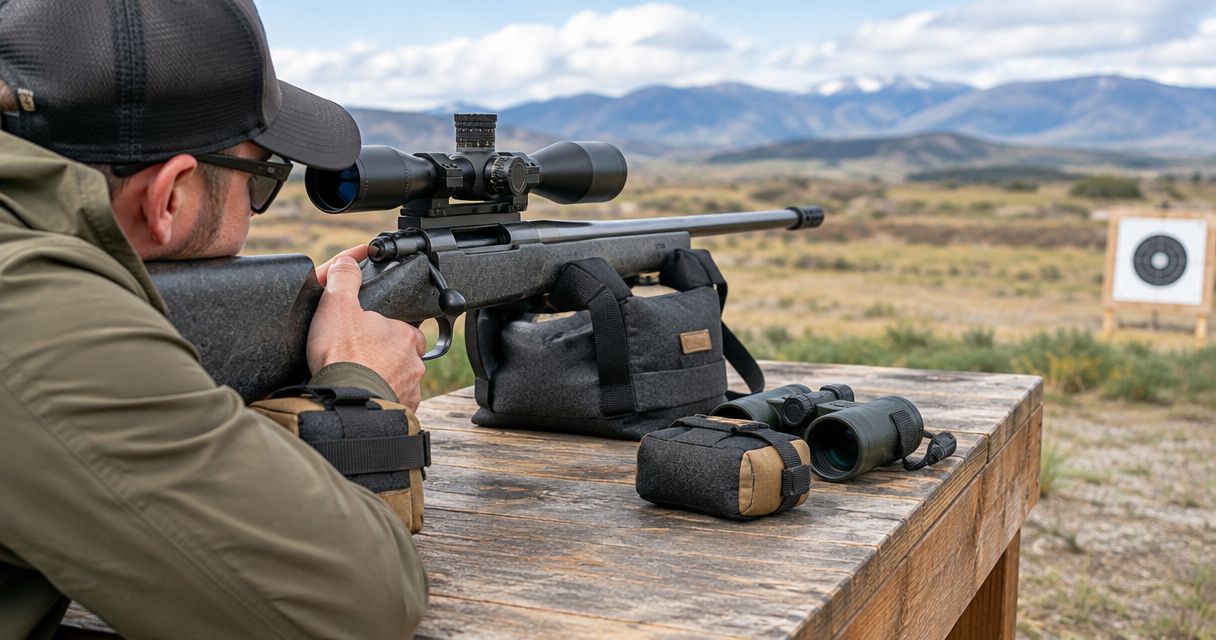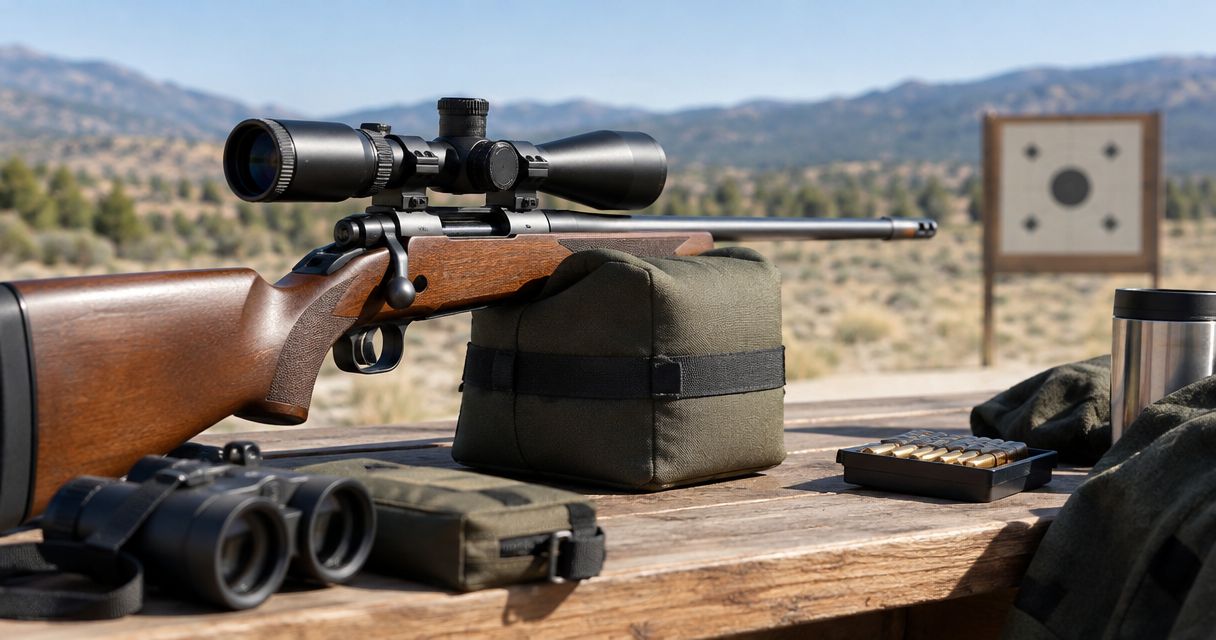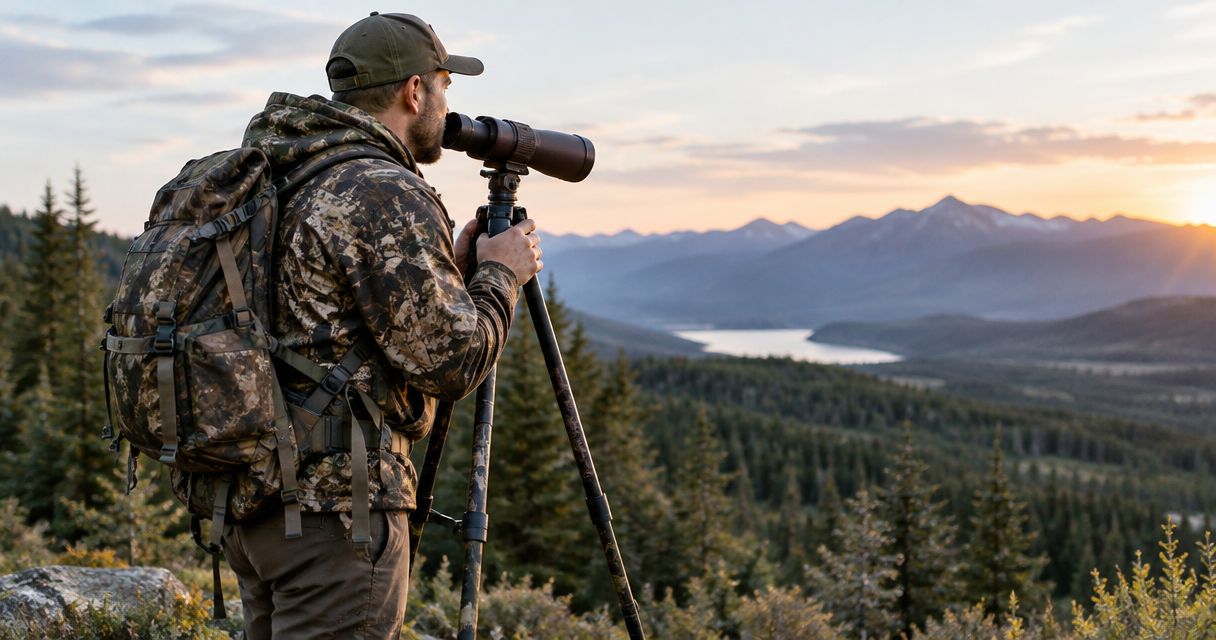
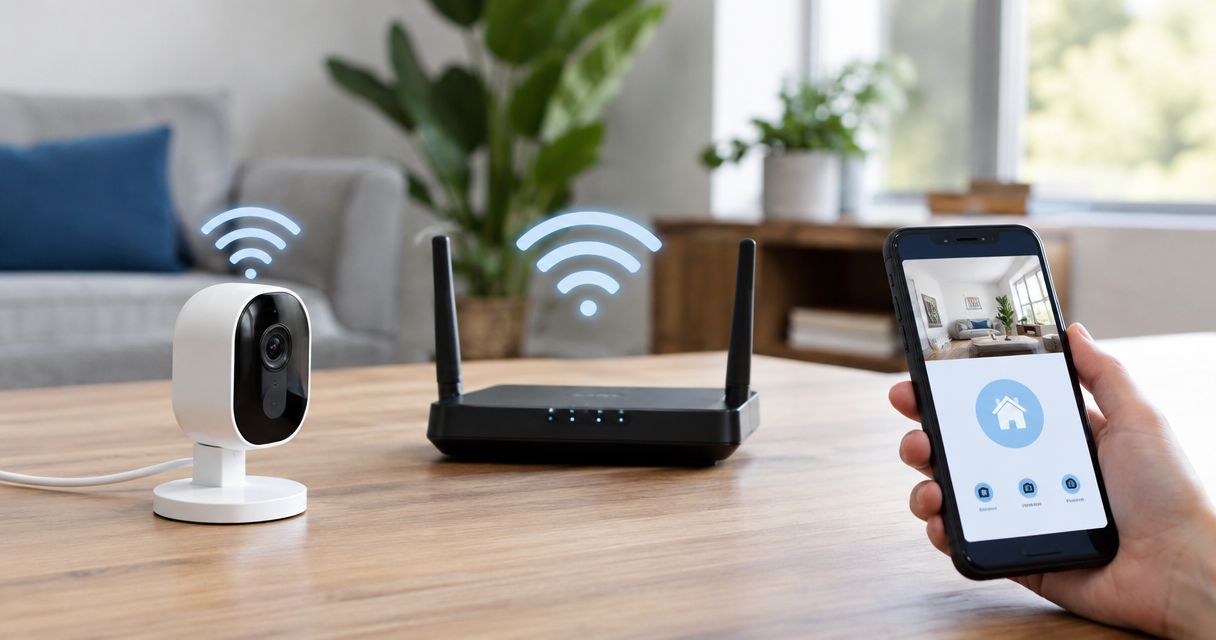
Extend target camera Wi-Fi range by clearing the signal path, raising the radio equipment above nearby obstructions, and using an external antenna confirmed compatible with your system. For your 2026 setup, test placement before buying accessories; an antenna does not automatically turn a short-range camera into a longer-range model, and any downrange adjustment requires a range-approved ceasefire.
- How do you extend target camera wifi range? Improve placement first, then evaluate a compatible external antenna.
- Longshotcameras target cameras suit precision shooters who want to view impacts without repeatedly walking downrange.
- Match the camera’s stated range to your distance; stronger reception does not establish a new manufacturer-supported range.
- Change one setup variable at a time, then verify live video from your actual shooting position.
Why this matters
A video connection that works beside your bench has not demonstrated that it works across your range. Your useful distance depends on the whole radio path, not just the camera’s advertised distance.
For a 2026 range setup, separate connection problems from distance problems before changing hardware. Start with connecting a camera to the app, then test whether the same connection remains usable as the separation increases.
Fix the connection you have before trying to extend it. Otherwise, a pairing problem can look like a range limitation, and you can buy an antenna without addressing the actual fault.
How do you extend target camera Wi-Fi range?
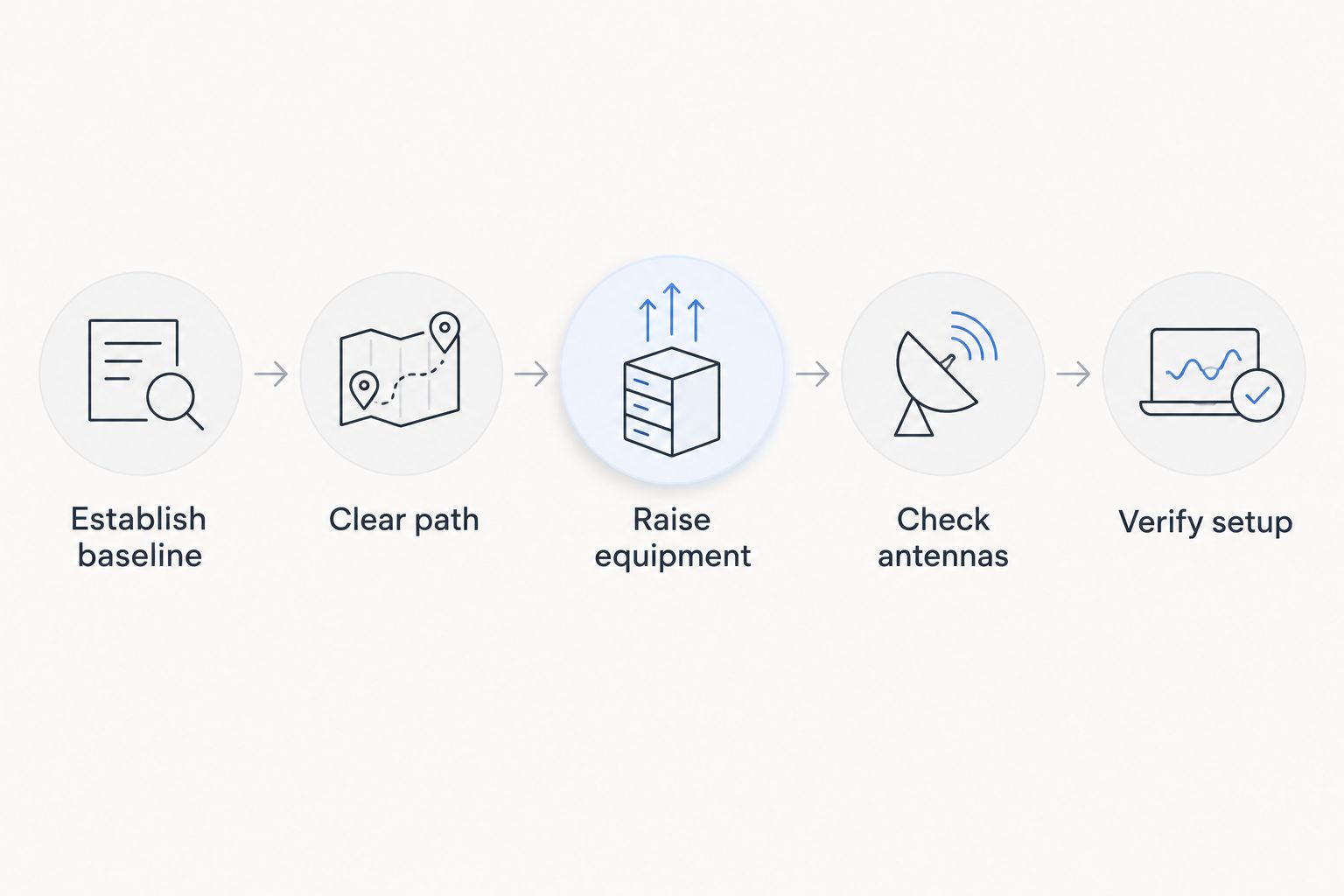
Work through the following sequence. Make equipment changes only when range staff authorize access, and never use a camera feed as evidence that the range is clear.
1. Establish a baseline
Connect the complete system at a short separation using the manufacturer’s instructions. Confirm that the viewing device displays a changing live image rather than a frozen frame or previously captured image.
Record the camera model, viewing device, equipment positions, and where the connection begins to fail. Keep the same equipment throughout the initial test so that you can identify what a placement change actually accomplishes.
If the system fails nearby, resolve setup, power, or connection issues first. An external antenna is not the first fix for a system that cannot establish a working local connection.
2. Clear the signal path
Look along the path between the radio components, not only between the camera lens and the target. Berms, buildings, vehicles, vegetation, and metal structures can obstruct or weaken a wireless connection.
An unobstructed view of the target does not prove that the radio path is equally clear. A camera can frame the target while sitting behind an obstruction relative to the receiving equipment.
Reposition equipment only within locations permitted by the range. Never move a camera, antenna, or support into a firing lane to improve reception.
3. Raise the equipment appropriately
Raise equipment that sits unnecessarily low behind grass, a bench edge, or uneven ground. A stable tripod lets you change position while keeping the camera aimed at the target.
Height helps when it improves the radio path; height alone is not a guaranteed range increase. Keep the support stable, secure cables against snagging, and preserve safe clearance around the shooting position.
If the system has separate receiving equipment, inspect that location too. Improving only the downrange end leaves an obstructed receiving position unchanged.
4. Check antenna placement
Follow the manufacturer’s instructions for antenna orientation and placement. Do not assume that pointing an antenna’s tip toward the target produces the strongest connection; radiation patterns depend on antenna design.
Move nearby metal objects out of the immediate path where practical and permitted. Then retest from the same shooting position rather than changing several variables together.
Copy a documented setup, not an antenna arrangement from an unrelated wireless product. Similar-looking antennas do not establish electrical or system compatibility.
5. Evaluate a compatible external antenna
Consider an external antenna after correcting basic placement. Confirm the supported camera model, connector, cable arrangement, and any required manufacturer configuration before buying or connecting it.
The listed External Antenna is described as improving signal strength. That description does not establish a specific distance gain for every camera or range layout.
Avoid treating a household Wi-Fi extender as a universal accessory. A target camera’s connection arrangement must support the equipment you add; a familiar Wi-Fi label is not enough to prove that it will work.
6. Verify the complete setup
Return to your actual viewing position and confirm that live video remains usable. Check the target framing as well as the connection: a stable link is not useful if the camera has shifted away from the target.
Repeat the check after the final placement change. Write down the successful arrangement so that the next session starts from a known setup rather than another round of guesswork.
A successful test supports that particular equipment arrangement and location—not every distance or condition.
Which range-extension approach fits your problem?
Choose the change that addresses the observed failure. These approaches solve different problems, so they are not interchangeable.
| Approach | Best for | Advantage | Limitation |
|---|---|---|---|
| Reposition existing equipment | A blocked or poorly placed radio path | Tests placement without adding hardware | Cannot change the camera’s stated range |
| Use a stable, taller support | Equipment hidden by low obstructions | Lets you adjust height and maintain framing | Extra height does not guarantee a stronger link |
| Add a compatible external antenna | A system with a supported antenna option | Can improve signal strength | Compatibility and installation must be confirmed |
| Select a longer-range camera system | Distances beyond the current model’s stated range | Matches equipment selection to the intended distance | Requires evaluating a different system |
Longshotcameras lists an External Antenna for signal improvement and a Longshot Large Tripod with adjustable tilt and pan controls. The tripod description lists compatibility with Marksman, LR3, EC-3, Ranger, Ranger+, and receivers; antenna compatibility still needs separate confirmation.
Choose the External Antenna for a confirmed compatible system needing antenna support, not as a promised distance multiplier. Choose the Longshot Large Tripod when adjustable placement addresses your obstruction problem, not because a taller support automatically increases transmission distance.


Match the camera’s stated range to your shooting distance
For your 2026 equipment comparison, use each model’s stated range as a selection boundary—not a promise that every obstructed site will perform identically. Longshotcameras target cameras include the following distance options.
| Camera | Stated range | Best for | Selection limitation |
|---|---|---|---|
| Ranger | 100 yards | Shooters working within 100 yards | Not the stated-range choice for longer distances |
| Marksman | 300 yards | Shooters working within 300 yards | Not the stated-range choice beyond 300 yards |
| Ranger+ | 1,000 yards | Shooters working within 1,000 yards | Does not establish a 2-mile operating distance |
| LR-3 | 2 miles | Shooters seeking the listed 2-mile capability | Placement and a working connection still matter |
Ranger: 100 yards
The Ranger is described as a compact 100-yard camera. Its fit is a shooting setup within that stated distance, where compact equipment meets your needs.
If your regular target distance exceeds 100 yards, compare a longer-range model rather than assuming an accessory will change the Ranger’s specification. Select for your intended distance before troubleshooting beyond it.
Marksman: 300 yards
The Marksman lists a 300-yard range and 2688 × 1512 imagery. It fits shooters seeking the listed distance with an adjustable downrange camera view.
Image resolution and wireless distance answer different questions. More image detail does not by itself establish that the radio connection will reach farther, so evaluate both requirements separately.
Ranger+: 1,000 yards
The Ranger+ is described as the upgraded 1,000-yard version of the compact Ranger. It fits a longer-distance requirement while remaining within that stated range.
Do not treat the shared Ranger name as evidence that accessories or settings give both models identical distance capability. Confirm the exact model before selecting an antenna or planning a range layout.
LR-3: 2 miles
The LR-3 lists a 2-mile range and 2688 × 1512 imagery. It is the relevant comparison when your distance requirement reaches the listed 2-mile capability.
That range specification does not remove the need for safe placement or connection testing. Select the LR-3 for the distance requirement, then establish a reliable setup at your location.
Why target camera Wi-Fi range varies
Wireless range depends on the equipment and the path between it. Check these factors before deciding that the camera needs replacement:
- Model capability: A 100-yard camera and a 2-mile system have different stated distance capabilities.
- Obstructions: Terrain, vegetation, structures, and nearby metal can weaken or block the radio path.
- Equipment height: Low placement can leave the signal path behind obstacles even when the target remains visible.
- Antenna setup: Orientation, placement, and compatible hardware affect how the connection works.
- Local radio activity: Other transmissions using the same radio spectrum can interfere with reception.
- Connection configuration: Incorrect setup can prevent video even when distance is not the problem.
For a repeatable 2026 troubleshooting routine, change one factor and retest before moving to the next. Otherwise, you cannot tell which adjustment helped—or whether another adjustment introduced a new problem.
Will a Wi-Fi extender make a target camera reach farther?
A Wi-Fi extender is not a universal target camera range solution. It must support the camera system’s connection arrangement, and its placement must address the actual weak link.
Before buying one, ask the camera manufacturer whether the specific extender and installation are supported. Do not substitute an assumption about home networking for documented camera compatibility.
Does raising a target camera increase its range?
Raising a target camera can improve reception when it clears an obstruction in the radio path. It does not automatically increase the camera’s manufacturer-stated distance.
Raise the equipment only as much as the site and stable support require. Check both framing and reception after moving it; a better radio position can require readjusting the camera angle.
When should you ask for setup help?
Ask for help when the connection works nearby but fails at a distance within the model’s stated range after basic placement checks. Also ask before adding hardware whose compatibility is unclear.
Send the model name, target distance, viewing-device details, and a description of the terrain and equipment positions through contact. Explain whether the video never connects, freezes intermittently, or stops at a particular location; those are different symptoms.
FAQ
What's the first thing I should try to extend target camera Wi-Fi range?
Clear the radio path and improve equipment placement before buying accessories. Establish a working nearby connection first, then test from your shooting position.
Can I add any external antenna to my target camera?
No—confirm compatibility with the exact camera system before connecting an external antenna. Connector fit alone does not establish electrical or system compatibility.
Will an external antenna turn a 100-yard camera into a 1,000-yard camera?
Do not assume an external antenna changes a 100-yard camera into a 1,000-yard model. Use the manufacturer’s stated range and supported configuration when choosing equipment.
Is a taller tripod better for target camera Wi-Fi?
A taller tripod helps when its height clears an obstruction in the radio path. It is not automatically better if the existing path is clear or the taller setup is unstable.
Can I use a home Wi-Fi repeater with my target camera?
Use a home Wi-Fi repeater only if the camera manufacturer confirms that the system supports it. A target camera’s wireless arrangement is not automatically interchangeable with a household network.
Why does my camera connect nearby but disconnect downrange?
Distance, obstructions, antenna placement, or interference can explain a connection that fails downrange. Test placement changes individually and stay within the model’s stated range.
Does a target camera mean I can skip calling a ceasefire?
No—a target camera never replaces range commands or a ceasefire. Follow the range’s procedures whenever anyone needs to go downrange.
One last thing
A frozen image can look like a working connection. Before trusting your 2026 setup, verify that you are seeing live changes rather than merely seeing a target on the screen.
Keep a simple placement record after a successful session: equipment locations, antenna arrangement, and viewing position. That record gives your next troubleshooting session a useful baseline instead of another unstructured search for signal.