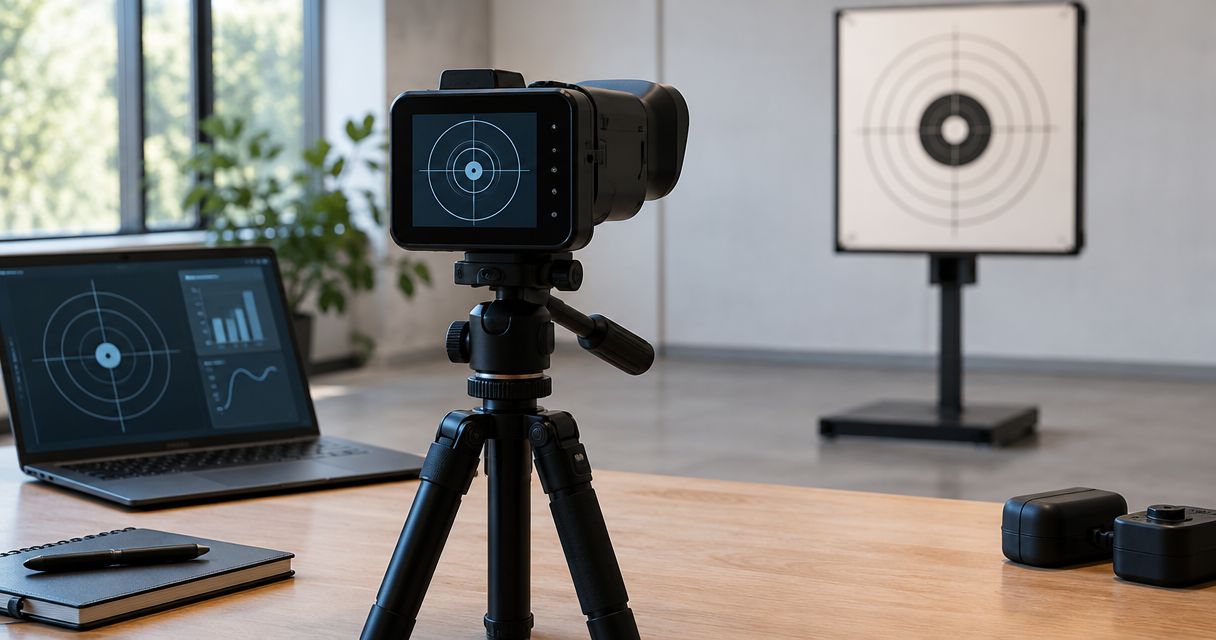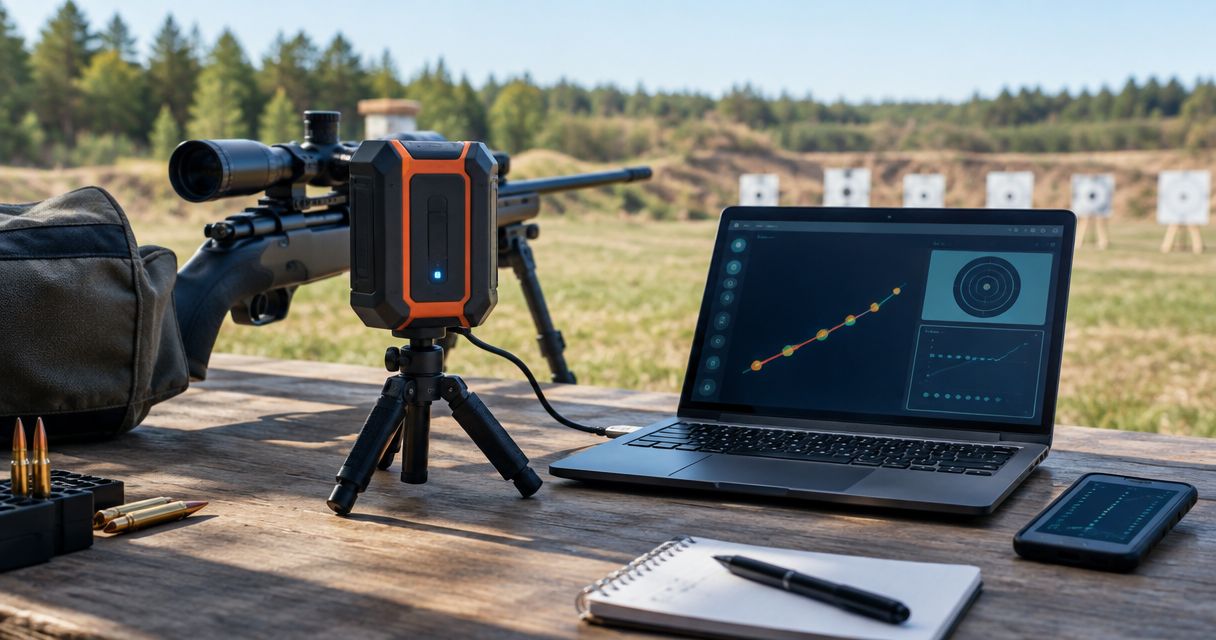
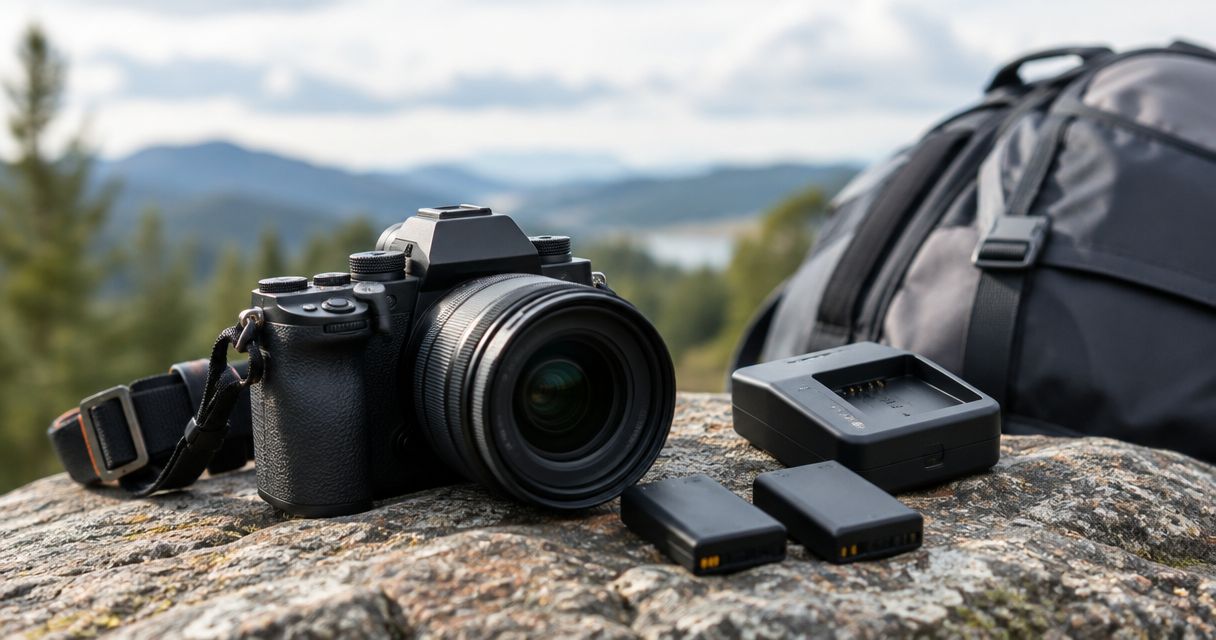
A target camera battery has no universal runtime: use your exact model’s operating-time specification, then check whether it covers your planned session under actual range conditions. Charging time is a separate specification, and your phone or tablet also needs enough power to keep the target view usable.
- How long does a target camera battery last? Use the exact model’s runtime specification, not a category-wide estimate.
- Longshotcameras target cameras suit precision shooters who want remote shot-impact viewing; battery planning still requires model-specific checks.
- Count setup and waiting time whenever the camera stays powered on, not just time spent shooting.
- Check camera power and viewing-device power separately before heading downrange.
How long does a target camera battery last?
The useful answer is the runtime of your particular camera in the conditions you will use it. A battery-life claim from another model does not establish how long yours will operate. Start with the manufacturer’s documentation, then confirm performance with your normal viewing setup.
For a 2026 purchase, compare the exact model and configuration rather than relying on an older review of a similarly named system. The target cameras ranked by battery life guide is a starting point for comparing that specific specification.
Battery terminology also matters. These measurements answer different questions:
| Measurement | What it tells you | What it does not establish |
|---|---|---|
| Operating runtime | How long the camera operates on a charge under stated conditions | Guaranteed performance in every environment |
| Charging time | How long the battery takes to recharge under stated conditions | How long the camera will run afterward |
| Battery service life | How the battery holds up as it ages and is used | The runtime of a particular shooting session |
| Remaining-charge indication | The device’s estimate of charge left | An exact countdown to shutdown |
Do not convert one measurement into another. A charger described as quick does not establish camera runtime, and a battery indicator is not a substitute for a documented operating-time specification.
Why this matters
A target camera can stop delivering useful information before the camera itself loses power. A depleted viewing device, a connection problem, or an obstructed camera view can interrupt your session while the camera battery remains charged.
Longshotcameras target cameras let shooters view shot impacts remotely at distances up to 2 miles. That makes power planning part of preparing the complete viewing setup, not just charging a single device.
Plan for the entire powered-on period. Setup, framing the target, checking the connection, waiting for the firing line, and reviewing impacts all belong in your power plan when the equipment stays switched on.
Why target camera battery runtime varies
Battery runtime depends on both the battery and the electrical demand placed on it. These are the factors to check against your model’s instructions and your own observations:
- Starting charge: A partially charged battery gives you less available energy than the same battery fully charged.
- Battery condition: Rechargeable batteries lose capacity with age and use. A familiar camera can therefore deliver less runtime than it did when new.
- Temperature: Battery performance changes with temperature. Follow the equipment’s stated operating and charging limits rather than assuming indoor results transfer directly outdoors.
- Operating configuration: Enabled functions draw power. Check which settings were used for any published runtime and which settings your camera actually supports.
- Powered-on time: Leaving equipment running during setup and breaks consumes energy even when you are not firing.
Your 2026 range notes should record these conditions alongside elapsed time. A runtime observation without its starting charge, settings, and conditions is difficult to use for planning another session.
Avoid diagnosing every interruption as battery drain. First establish whether the camera switched off, the viewing device switched off, or the image stopped updating while both remained powered.
How do you check whether the battery will cover your session?
Use a repeatable check with your actual equipment. The goal is to confirm that the system covers your planned session, not to squeeze the last possible moment out of the battery.
- Confirm the model. Read the exact model identification and its instructions. Separate the camera’s runtime from any receiver or other powered component included in your setup.
- Charge correctly. Use the charging equipment and procedure specified for that model. Check the documented full-charge indication before disconnecting it.
- Connect the system. Pair the camera with the phone or tablet you intend to use. Confirm that the target image is updating rather than merely displaying a previously received frame.
- Run your configuration. Use your usual supported settings and keep the viewing device operating as it would during the session.
- Log the result. Record the start time, elapsed operating time, battery indications, conditions, and any interruption. Stop according to the equipment’s instructions; do not repeatedly force deep discharge just to create a benchmark.
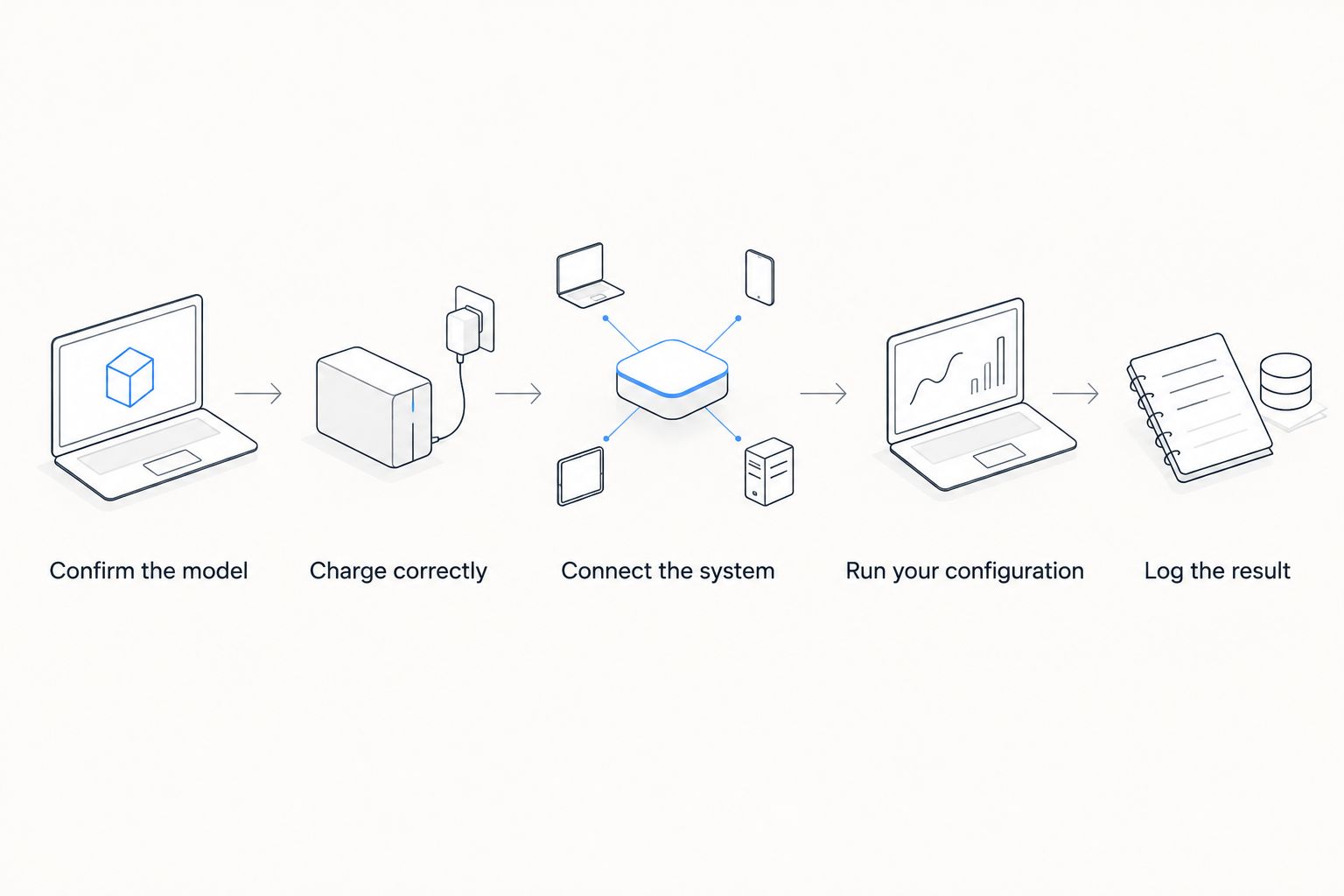
An indoor check is useful for confirming charging and connection, but it does not reproduce every outdoor condition. Treat a cold-weather session or a changed configuration as a separate observation rather than silently combining unlike results.
Repeat the check when performance changes noticeably. A current observation is more useful than a remembered result from when the battery was new.
What should you record in a battery-life log?
Keep the log simple enough that you will actually use it. Record the camera model, battery condition if known, starting-charge indication, start time, end time, operating settings, and the reason the session ended.
Also record whether the phone or tablet remained powered and connected. Otherwise, a viewing-device shutdown can look like a short camera-runtime result when you review your notes later.
Separate these outcomes clearly:
- Session completed: The equipment covered the planned session without a power-related interruption.
- Camera shutdown: The camera stopped operating; record its power indication and any documented warning.
- Display shutdown: The viewing device lost power while the camera’s status remained a separate question.
- Connection interruption: The image stopped updating, but a depleted battery was not established.
This distinction keeps your troubleshooting grounded in what happened. It also prevents an unexplained connection problem from becoming an inaccurate battery-life claim.
For a shared setup in 2026, keep the log with the equipment instructions so different users record the same information. Consistent notes are more useful than several incompatible estimates.
Can you extend runtime without changing the battery?
Reduce unnecessary powered-on time before adding equipment. Complete tasks that do not require the camera first, then power up when you are ready to frame the target and verify the connection.
Switch equipment off during a long break only when doing so fits the range procedure and you can restart it appropriately. The trade-off is reconnection: saving power is not helpful if you return to an unverified target view.
Use optional functions according to the camera’s instructions and your actual needs. Do not assume that a setting available on one target camera exists on another, or that disabling it produces a documented amount of extra runtime.
Look after the viewing device separately. Adjust its display for readable viewing rather than unnecessary brightness, and use its supported power-management settings without interrupting the connection you need.
Keep batteries and equipment within their specified temperature limits. Do not improvise heating, cover ventilation, or place electronics where they can overheat in an attempt to improve runtime.
Does an external battery solve a short-runtime problem?
An external power source is an option only when the exact camera supports that input and operating arrangement. A connector that fits does not establish electrical compatibility. Check the required voltage, connector, polarity where applicable, and the manufacturer’s instructions before connecting anything.
The benefit of a supported external supply is additional available energy. The drawbacks are extra equipment, another connection to inspect, and a cable that needs safe routing and protection.
A power bank’s printed capacity does not, by itself, tell you the camera’s operating time. The camera’s electrical demand, usable output, and conversion losses also matter, so avoid treating capacity as a direct runtime promise.
Verify the arrangement before relying on it at the range. Confirm that the camera actually operates from the supply as intended; do not assume charging while switched off means operation while charging is supported.
Will a different charger make the camera run longer?
A compatible charger restores charge; it does not increase the battery’s rated capacity. If the battery already reaches a proper full charge, changing chargers does not create additional stored energy beyond what the battery can hold.
For a model-specific charging check, Longshotcameras lists the Longshot LR-2/LR-3/Marksman Quick Charger - All Countries. Best for: owners whose exact model documentation confirms compatibility. Its relevant function is charging lithium-ion batteries; it is not evidence of a particular camera runtime or a universal fit across the range.
Keep charging questions separate from operating-time questions. If the battery never reaches its documented full-charge indication, investigate the charging process before judging its runtime.
Follow the battery instructions for storage and charging, too. Do not apply a generic charging routine when the equipment specifies a different procedure.
What should you check if runtime suddenly gets shorter?
Start with what changed. A different starting charge, colder conditions, a new configuration, or an aging battery can explain why the current session differs from an earlier one.
Check the charging connection and the documented indicator behavior first. Then repeat a controlled operating check with the same settings and viewing device used for your previous result.
If the camera remains powered but the image freezes, check the connection rather than immediately replacing the battery. If the phone shuts down first, address the phone’s power needs separately.
Stop using a battery that is swollen, leaking, damaged, or unusually hot, and follow the manufacturer’s handling instructions. Do not open a sealed pack or attempt an improvised repair to recover a range session.
For unresolved trouble, give support the exact model, charging behavior, observed runtime, conditions, and symptoms. Those details are more useful than reporting only that the battery is bad.
Can you trust a battery-life claim in a review?
A review is useful when it identifies the model, starting charge, configuration, conditions, and what ended the test. Without that context, an operating-time figure is difficult to apply to your setup.
For a 2026 comparison, distinguish a manufacturer’s stated runtime from a reviewer’s observed result. Neither automatically describes your battery’s present condition or the temperature at your range.
Prefer a clearly described observation over an unexplained maximum. Your decision should rest on whether the camera covers your required session with a practical reserve, not which listing shows the largest isolated number.
FAQ
How long does a target camera battery last on a full charge?
A target camera battery’s full-charge runtime is model-specific. Check the exact model’s operating-time specification, then verify that it covers your planned session with your normal settings and conditions.
Does cold weather affect target camera battery life?
Cold weather affects battery performance and can reduce available runtime. Follow the camera’s operating and charging temperature limits, and do not assume an indoor runtime check predicts a cold outdoor session.
Can I run my target camera from a power bank?
Use a power bank only if your exact target camera supports that power input and operating arrangement. Confirm the electrical requirements and manufacturer’s instructions rather than relying on connector fit.
Will a quick charger make my target camera battery last longer?
A quick charger does not increase a battery’s rated capacity. Use a charger approved for the exact model and verify that the battery reaches its documented full-charge indication.
Why does my target camera stop showing an image before the battery is empty?
An interrupted image does not establish that the camera battery is empty. Check whether the camera is powered, whether the viewing device has charge, and whether the connection is still active.
Should I leave my target camera on during range breaks?
Leaving a target camera on consumes battery energy during breaks. Switch it off only when doing so fits the range procedure, and verify the connection again before you rely on the image.
When should I stop using a target camera battery?
Stop using a battery that is swollen, leaking, damaged, or unusually hot. Follow the manufacturer’s handling and replacement instructions rather than attempting an improvised repair.
One last thing
Longshotcameras target cameras are best for precision shooters who want remote shot-impact viewing. The benefit depends on keeping the complete viewing chain working, so prepare the camera and the display as separate powered devices.
Before your next 2026 session, write down which device stopped first during your last interruption. If you cannot answer that question, make it the first observation in your next check; it tells you where to investigate before buying another battery or accessory.
Never walk downrange to troubleshoot during live fire. Follow the range’s cease-fire and access procedures, even when the problem appears to be a simple power switch.