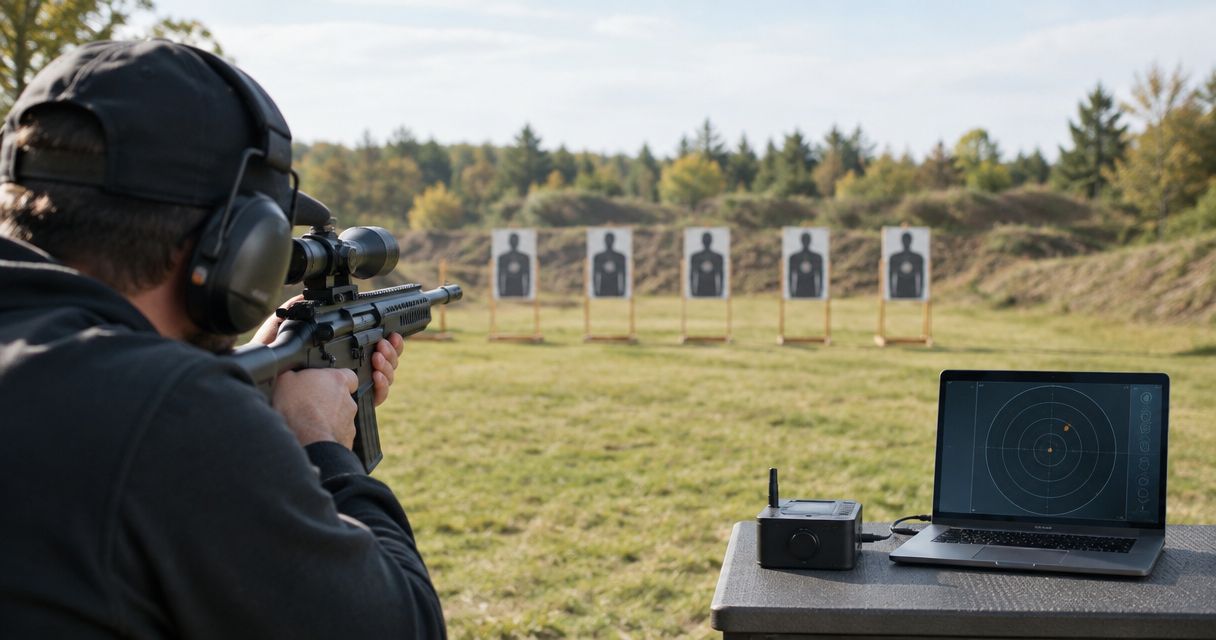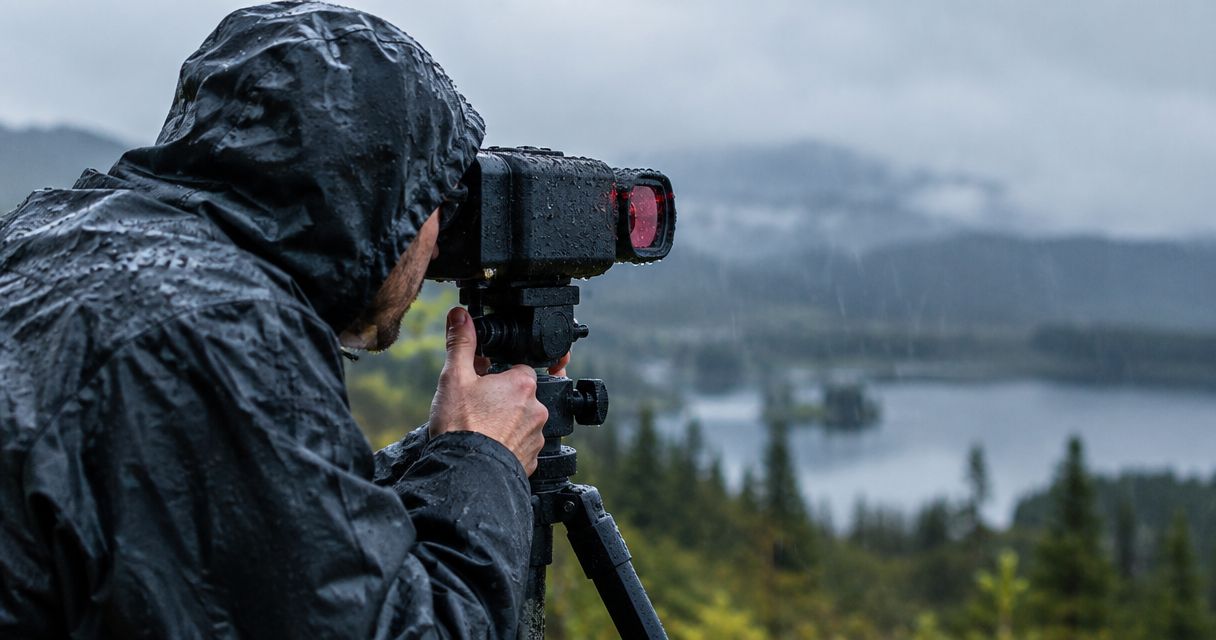
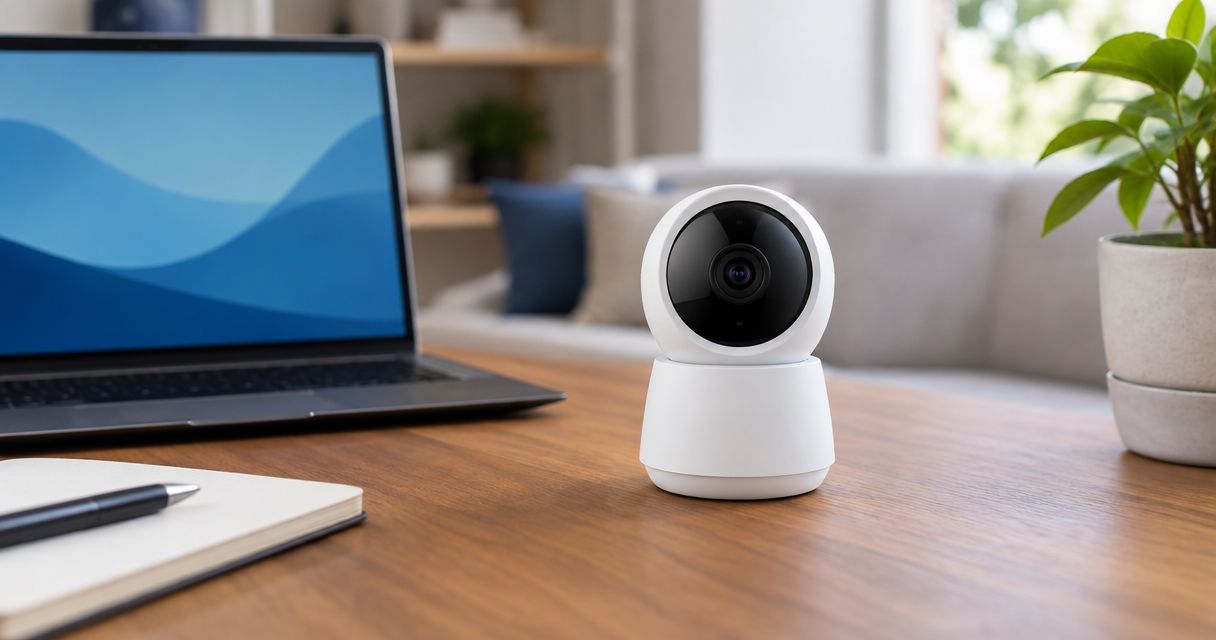
Yes, you can use a target camera indoors when the range permits it, the target has enough light, and the camera maintains a connection to your viewing device. The main limitation is placement: you need an approved position outside the projectile path that does not interfere with target carriers, neighboring lanes, or range operations.
- Can you use a target camera indoors? Yes—range permission, target lighting, and a reliable connection decide suitability.
- Longshotcameras target cameras suit shooters who want remote impact viewing where downrange equipment is permitted.
- A 100-yard distance rating does not establish performance through indoor partitions or around range equipment.
- Check the live target image from your shooting position before starting your session.
Can you use a target camera indoors?
An indoor target camera works when you can safely position it, clearly see the target, and receive its image at the firing point. Being indoors does not automatically prevent remote viewing. It changes the checks you need to make before using the system.
For your 2026 equipment shortlist, compare the actual lane layout with the camera's placement and connection requirements. Start with the guide to target cameras for indoor and covered ranges, then confirm the facility's rules directly.
| Indoor-use check | What you need | Reason to stop or change the setup |
|---|---|---|
| Range permission | Approval for the camera and its exact location | Staff prohibit equipment downrange |
| Safe placement | A position approved by range staff | Equipment enters the projectile path or obstructs range operations |
| Target lighting | An image that clearly shows the target surface | Shadows or glare hide the detail you need |
| Connection | A usable live view at your shooting position | The image disconnects or stops updating |
| Target movement | A layout compatible with the carrier's travel | The moving target leaves the camera's view |
| Equipment access | An approved procedure for placement and retrieval | You would need to enter an active range |
Why this matters
A camera can make the target visible on a screen without replacing the range's safety procedures. You still follow staff instructions, cease-fire commands, and restrictions on entering the shooting area.
Indoor convenience also depends on the facility. If a target carrier already brings the paper back to you, a camera adds remote viewing rather than eliminating an otherwise necessary walk. If the range prohibits downrange accessories, a suitable distance rating does not change that restriction.
Choose equipment around the permitted setup, not around the longest advertised distance. A camera that meets your viewing needs but cannot be placed legally and safely at your range is not the right purchase for that location.
How do you set up a target camera indoors?
Use this sequence for a first visit or a changed lane layout. Your 2026 setup check should establish permission before you unpack mounting equipment.
- Get permission. Ask staff whether target cameras are allowed and describe where you intend to place yours. Confirm whether staff must supervise installation and retrieval.
- Check placement. Have staff approve the location relative to the target, backstop, carrier, and neighboring lanes. Do not improvise shielding or attach equipment to range infrastructure without approval.
- Check lighting. View the actual target through the camera. Look for glare, shadows, or an angle that makes the paper difficult to inspect.
- Test connection. Return to your normal shooting position and verify that the image remains live. A connection established beside the camera is not a completed firing-point test.
- Confirm access. Establish how you will adjust or retrieve the camera if something changes. Never enter an active range to repair a connection or reposition equipment.
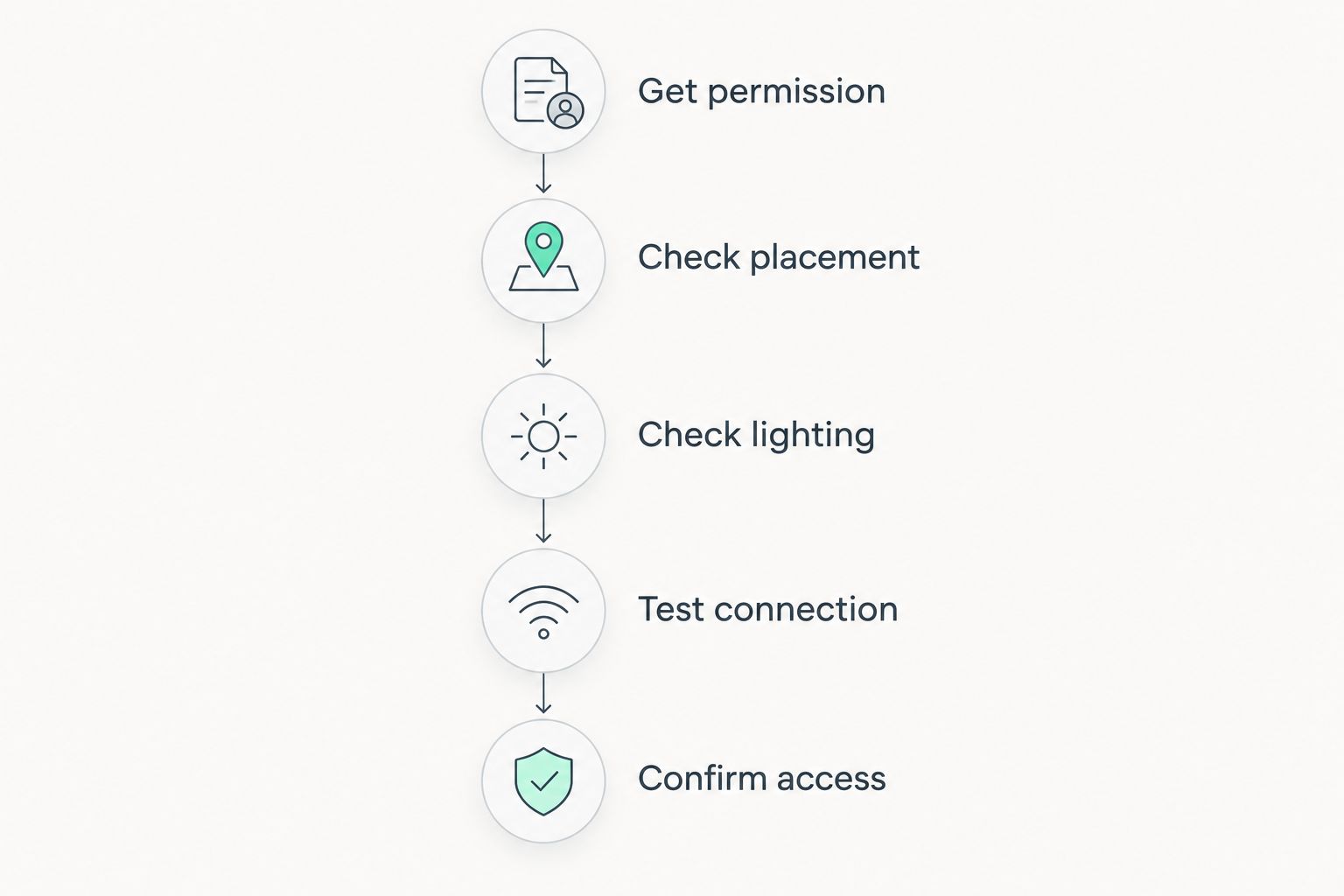
Keep the first installation simple. Establish a usable image before adding accessories or changing several settings at once; otherwise, you will struggle to identify which change affected the result.
For app setup, follow the camera-to-app connection guide. Use the instructions for your particular system rather than assuming every camera connects the same way.
Which target camera specifications matter indoors?
Distance is useful for screening options, but it is not an indoor performance certificate. Compare the stated distance with your lane length, then assess lighting, placement, and connection separately.
The following product specifications provide a starting point for a 2026 shortlist. They describe the listed products, not measured performance at your indoor range.
| Product | Listed distance | Best for | Main advantage | Indoor limitation |
|---|---|---|---|---|
| Ranger - 100 Yard | 100 yards | Shooters whose intended distance fits the listed rating | Compact target-camera format | The distance rating does not verify a particular indoor installation |
| Marksman - 300 Yard | 300 yards | Shooters who also need a longer-distance option | Listed 2688 × 1512 imagery and all-axis camera adjustment | Additional distance capability does not resolve prohibited placement or poor lighting |
| Ranger+ - 1000 Yard | 1,000 yards | Shooters combining indoor use with longer outdoor distances | Remote shot viewing at the stated distance | Its distance capability alone is not a reason to choose it for a short indoor lane |
Longshotcameras target cameras are best for shooters who want remote impact viewing and have range approval for downrange equipment. The trade-off is that a downrange camera requires an acceptable location and an approved way to install and retrieve it.
For a shorter-distance setup, consider the Ranger - 100 Yard against your actual lane requirements. Consider the Marksman - 300 Yard when its listed imagery, adjustment features, or longer-distance use match your needs; do not treat those specifications as proof of low-light performance.


Why indoor target camera performance varies
The same camera needs a fresh check when you change facilities or lane layouts. These factors determine whether the image is useful and whether the installation is acceptable:
- Target illumination. The camera needs enough light on the target surface to show the detail you want. A bright firing point does not establish that the target itself is well lit.
- Glare and viewing angle. Reflections can obscure part of the paper. Check the actual image rather than judging the target only with your eyes from the bench.
- Wireless path. Walls, partitions, and metal structures affect radio propagation. Test from your intended viewing position instead of relying on the distance rating alone.
- Carrier movement. A camera aimed at one target position does not automatically keep the paper framed throughout the carrier's travel. Confirm where the target must remain for viewing.
- Mount stability. A mount needs to hold the approved viewing angle without obstructing equipment or access. Do not put it somewhere unsafe merely to improve framing.
- Facility procedures. Permission, installation access, and retrieval rules determine whether the setup is practical. Technical capability never overrides staff instructions.
Do not add lights, cables, mounts, or protective structures without checking the range's rules. An accessory that solves a viewing problem can create an obstruction or an unapproved installation.
Can you use a 100-yard target camera on a shorter indoor lane?
A 100-yard target camera is a candidate for a shorter indoor lane, but distance alone does not confirm suitability. You still need an approved placement, an image that frames the target clearly, and a working connection at your viewing position.
Check close placement and framing before committing to a setup. A maximum distance tells you something different from how the camera must sit relative to the target.
The useful question is not whether your lane is shorter than the advertised distance. It is whether the camera produces the view you need from a location the facility allows.
Does a 300-yard camera solve indoor connection problems?
A 300-yard rating does not guarantee a connection through indoor obstacles. The Marksman - 300 Yard's listed distance and image dimensions are product specifications, not a test of your range's partitions, equipment, or layout.
Before replacing a camera, separate a connection problem from a viewing problem. A clear but dark image points you toward lighting; a disconnected feed requires checking the connection and approved equipment positions.
Change only what the range permits. Never move equipment into an unsafe position to obtain a stronger signal.
Can you use a target camera without range Wi-Fi?
Range Wi-Fi and a camera's wireless connection are not necessarily the same thing. Some camera systems establish their own local connection; others have different network requirements, so check the instructions for the model you intend to use.
Do not assume internet access is required simply because an app displays the image. Equally, do not assume a camera works independently of the facility's network without confirming its connection method.
For a 2026 purchase, ask a specific question: does this model need an internet connection, an existing wireless network, or a direct local connection? Those are separate requirements.
What should you check before bringing the camera?
Ask the facility about the installation, not just the device category. Permission to bring a camera into the building is different from permission to leave equipment beside a target.
Use this short pre-visit checklist:
- Describe the intended camera and mount location.
- Ask who may place and retrieve equipment downrange.
- Confirm whether the target carrier can operate with the camera installed.
- Ask whether photography or video restrictions apply.
- Confirm that your planned viewing device is permitted at the firing point.
- Establish what to do if the image fails during live use.
Keep your 2026 range notes specific to the facility. Approval at one location does not establish permission at another, and a different lane can require a different arrangement.
Longshotcameras offers remote target viewing, but the facility controls whether and how that equipment can be used. Resolve that question before choosing accessories.
FAQ
Can you use a target camera at an indoor shooting range?
Yes, when the range permits the installation and the camera provides a usable target image from an approved position. Confirm placement, lighting, connection, and retrieval procedures before use.
Will a target camera work in a dark indoor range?
A target camera needs sufficient illumination to show the target detail you want. Do not assume an ordinary camera has night vision, and obtain permission before adding lighting.
Is a 100-yard camera enough for an indoor lane?
A 100-yard camera is a candidate when your intended distance fits its rating, but the rating does not confirm indoor suitability. Check framing, approved placement, and the connection from your shooting position.
Does a target camera need the range's Wi-Fi?
That depends on the camera's connection method. Check whether the model uses a direct local connection, an existing wireless network, or internet access rather than treating those as interchangeable.
Can I leave a target camera next to a moving target carrier?
Only use a location approved by range staff that does not interfere with the carrier or range operations. Confirm that target movement will not strike the equipment or move the paper out of view.
Can a target camera replace cease-fire procedures?
No, a target camera does not replace cease-fire procedures or permission to enter the range. Follow staff commands for every installation, adjustment, and retrieval.
Should I buy a longer-range camera just for indoor use?
Choose a longer-range camera when its features or your other intended uses justify it, not because a larger distance rating proves indoor performance. Lighting, placement, and the wireless path still need separate checks.
One last thing
Before shooting, confirm that the displayed image is live rather than a frozen view. During approved setup, have the target scene change and verify that the display updates from your normal viewing position.
A sharp image is not enough if it no longer updates. Make that check part of every new installation, then leave the equipment alone until the range permits adjustment or retrieval.